Android smartphones make it easy to browse websites, watch videos, read articles, and access online services from almost anywhere. However, users sometimes experience website access problems, browser errors, or connectivity restrictions. This is why many people search for BlockAway for Android.
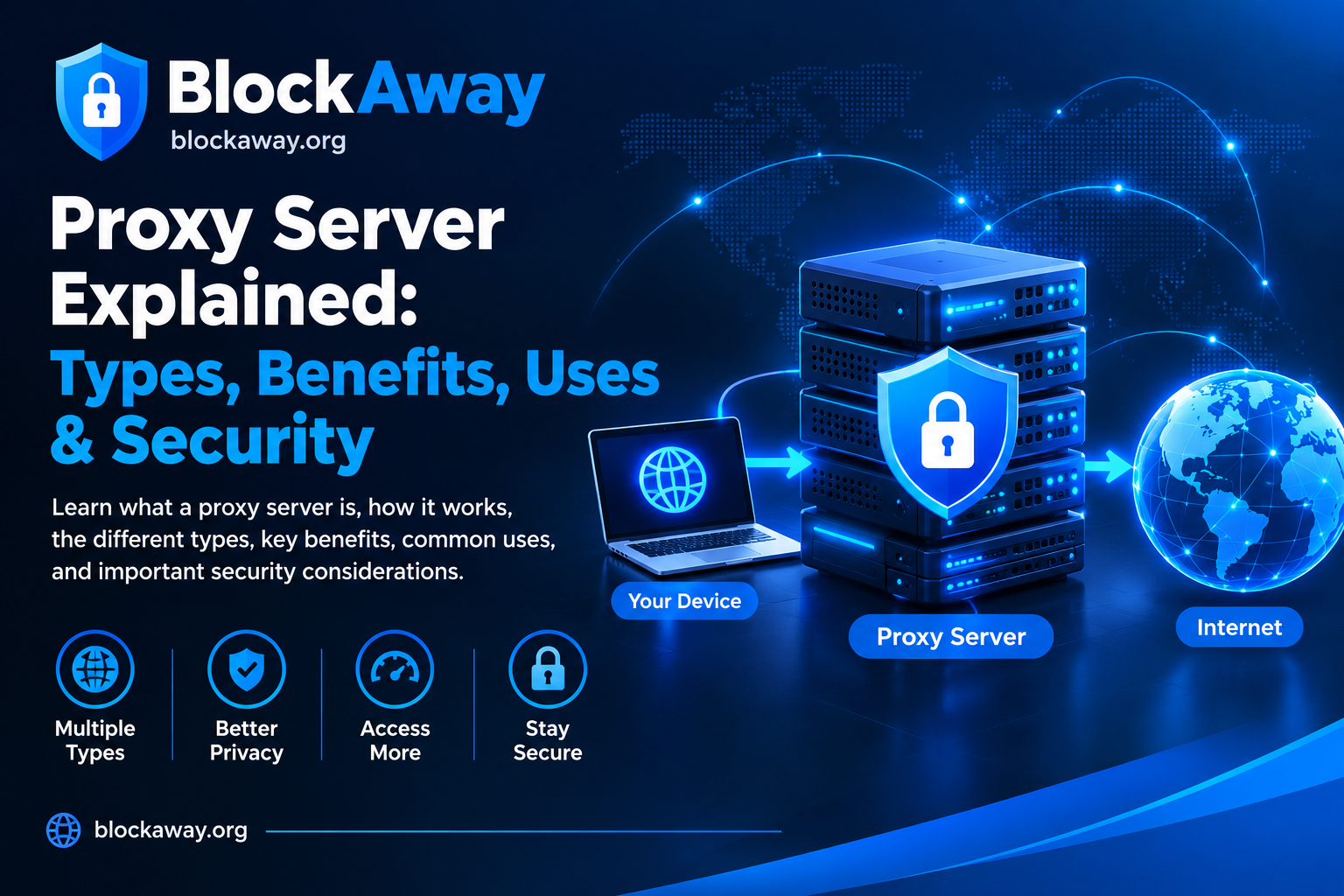
BlockAway is associated with browser-based web proxy access. A web proxy acts as an intermediary between your browser and a destination website. Depending on the service’s capabilities, it may help load supported websites through its own interface.
In this guide, we explain how to use BlockAway on an Android device, what features may be available, how to troubleshoot common problems, and what you should know about online privacy and security.
What Is BlockAway for Android?
BlockAway for Android refers to accessing the BlockAway web proxy service using an Android smartphone or tablet.
A browser-based proxy generally does not require a dedicated Android application if the service can be accessed through a compatible mobile browser. However, availability, interface design, and supported features can change, so check the official BlockAway website for current instructions.
A proxy is not the same as a browser, a VPN, or a video-hosting platform. Its primary role is to act as an intermediary when requesting supported web content.
How to Use BlockAway on Android
If you want to try BlockAway on your Android phone, follow these general steps.
Step 1: Open a Mobile Browser
Open an up-to-date browser on your Android device, such as Google Chrome or another supported browser.
Make sure your internet connection is working before continuing.
Step 2: Visit the Official BlockAway Website
Enter the official BlockAway website address into your browser’s address bar. Check the spelling carefully to avoid imitation websites.
Look for the service’s current browsing interface and follow its on-page instructions.
Step 3: Enter a Website Address
If the official interface provides a URL field, enter the address of a website you are authorized to access.
Review the destination address before submitting it. The proxy may not support every website or every feature.
Step 4: Wait for the Page to Load
Loading time depends on your internet connection, the proxy server, and the destination website.
If the page loads successfully, you can explore the supported content. Some interactive features, video players, sign-in forms, and other website functions may not work correctly through a proxy.
Step 5: Close the Session When Finished
When you finish browsing, close the proxy page. If you used a shared device, avoid leaving personal information or open accounts behind.
Do not enter sensitive passwords or payment information into unfamiliar proxy interfaces.
Does BlockAway Work on All Android Phones?
Android devices differ in screen size, operating system version, browser support, and security settings.
A browser-based proxy may work on many Android phones, but compatibility is not guaranteed for every device or website.
Common factors that can affect performance include:
- The Android operating system version.
- The browser and its current version.
- Internet connection quality.
- Website compatibility.
- The proxy service’s current availability.
- Network filtering and access policies.
If the service does not load, update your browser and check your connection before assuming that your phone is incompatible.
Is BlockAway an Android App?
BlockAway is associated with browser-based proxy access. If you can access the service through its official website, a separate app may not be necessary.
Be careful with third-party apps claiming to be official BlockAway applications. Verify their publisher and legitimacy before installing anything.
Avoid installing unknown APK files or granting unnecessary permissions simply to access a proxy service. Unverified applications can expose your device to privacy and security risks.
Benefits of Using a Browser-Based Proxy on Android
A browser-based proxy can offer several practical advantages, depending on the provider and destination website.
No Dedicated App May Be Required
If the service works through your mobile browser, you may not need to install additional software.
Convenient Mobile Access
A compatible browser interface can make it convenient to test supported websites while using a smartphone.
Useful for Basic Web Troubleshooting
Comparing direct website access with proxy access may help identify whether a problem is specific to the destination website or the connection path.
Simple Interface
Some browser-based proxies provide a straightforward URL field and a basic browsing interface. The exact features depend on the service.
These advantages do not mean that every website will work or that the proxy guarantees anonymity.
Common BlockAway Problems on Android and How to Fix Them
If BlockAway is not working on your Android phone, use the following troubleshooting steps.
1. Check Your Internet Connection
Open another trusted website directly in your browser.
If other websites also fail to load, check your Wi-Fi or mobile data connection. Switch networks if available and permitted.
2. Refresh the Page
A temporary loading issue may resolve after refreshing the page once.
If the service remains unavailable, wait a few minutes and check again.
3. Update Your Browser
An outdated browser may have compatibility or security problems.
Open the Google Play Store, find your browser, and install an available update from the official store.
4. Clear Cached Files
Temporary browser files can occasionally cause loading issues.
In Chrome for Android, open the three-dot menu and go to browsing history or the privacy settings to find the option to clear browsing data. Choose cached images and files as needed.
Deleting cookies may sign you out of websites, so use that option only when necessary.
5. Try Another Compatible Browser
If the service does not work in your current browser, try another reputable, updated mobile browser.
If the same error appears in multiple browsers, the problem may be related to the network, proxy service, or destination website.
6. Check Whether the Destination Website Is Available
A proxy homepage may work even when a particular destination website is unavailable.
If permitted, open the destination directly. It may be experiencing an outage, requiring verification, or restricting proxy traffic.
7. Check Network Restrictions
School, workplace, and public Wi-Fi networks may restrict proxy services. Follow the network’s acceptable-use policy and request authorized access when needed.
Do not disable your phone’s security protections to force an unfamiliar service to work.
Is BlockAway Safe on Android?
Safety depends on the specific service, how it handles browsing requests, and which websites you visit.
A proxy provider may be able to observe some information about your browsing activity. HTTPS helps protect data in transit between your browser and the destination website, but it does not eliminate every privacy risk.
Follow these safety recommendations:
- Verify the official website address.
- Avoid entering banking details or sensitive passwords through an unfamiliar proxy.
- Never install unknown certificates or APK files at the request of a proxy website.
- Do not grant unnecessary permissions to applications.
- Keep Android and your browser updated.
- Avoid suspicious advertisements and download prompts.
- Respect applicable website rules and network policies.
A web proxy does not automatically make you anonymous or guarantee complete online privacy.
BlockAway vs. a VPN on Android
BlockAway-style web proxies and VPNs serve different purposes.
A browser-based proxy generally handles supported web requests through an intermediary. A VPN typically creates an encrypted tunnel for device traffic or selected application traffic, depending on its configuration.
| Feature | Web Proxy | VPN |
|---|---|---|
| Typical setup | Browser-based access may be sufficient | Usually requires an app or device configuration |
| Traffic coverage | Often limited to supported requests | May cover device or selected app traffic |
| Encryption | Depends on the connection and service | Commonly encrypts the VPN tunnel |
| Compatibility | Depends on the proxy and destination | Depends on the VPN, device, and network |
| Privacy | Depends on provider practices | Depends on provider practices |
Neither option guarantees access to every website. A VPN and a proxy can also be subject to network restrictions and destination website policies.
Tips for a Better Mobile Browsing Experience
For a smoother experience while using browser-based services on Android, consider these tips:
- Use a stable internet connection.
- Keep your browser and operating system updated.
- Close unnecessary tabs if your device is low on memory.
- Avoid suspicious pop-ups and unknown downloads.
- Use official websites and applications for sensitive activities.
- Check the proxy provider’s documentation for compatibility information.
- Follow network rules when using school, workplace, or public Wi-Fi.
These steps can help you identify common problems without installing unnecessary software.
Frequently Asked Questions
Can I use BlockAway on Android without downloading an app?
If the official BlockAway service is available through your mobile browser, you may be able to use it without installing a separate app. Check the official website for current instructions.
Does BlockAway work on Android Chrome?
A browser-based proxy may work in Chrome if the service and destination website support the required features. Performance and compatibility can vary.
Why is BlockAway not opening on my Android phone?
Possible causes include an unstable connection, temporary service downtime, browser compatibility issues, or network restrictions. Check your connection and try an updated browser.
Can BlockAway play videos on Android?
Video playback depends on the destination platform, proxy compatibility, connection speed, and the video player’s requirements. Some videos or interactive features may not work through a proxy.
Is BlockAway free on Android?
Check the official website for its current access terms, features, and any applicable limitations. Do not assume that every service feature is free without confirming the current information.
Is BlockAway better than a VPN?
They serve different purposes. A web proxy can provide browser-based access to supported websites, while a VPN typically protects traffic through an encrypted tunnel. The appropriate option depends on your requirements and the provider’s capabilities.
Can I use BlockAway for banking on Android?
It is best to use your bank’s official app or website directly for sensitive financial activities. Avoid accessing banking accounts through unfamiliar proxy services.
Conclusion
BlockAway for Android is a topic for users who want to understand browser-based proxy access on mobile devices. If the service supports your browser and destination website, you may be able to use its web interface without installing an additional application.
However, compatibility, privacy, and performance can vary. Check the official website, keep your Android device updated, avoid sharing sensitive information through unfamiliar services, and follow the rules of the network you are using.
For sensitive accounts and reliable video playback, the destination website’s official application or website is generally the preferred option.