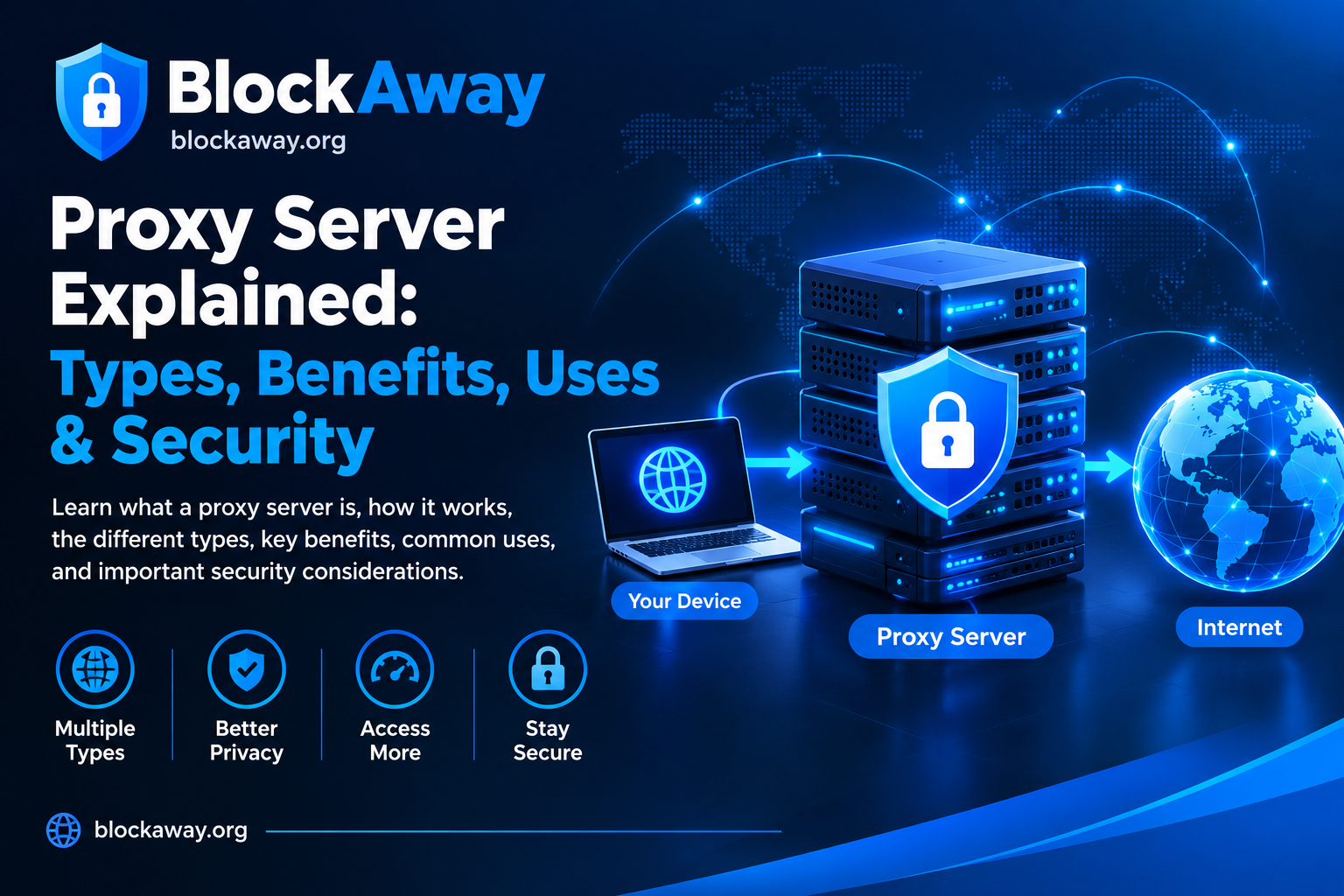
BlockAway is a browser-based web proxy that lets you request websites through the BlockAway service.
Enter the website address you want to visit and submit it. BlockAway then attempts to retrieve the requested web content through its proxy infrastructure and display the result in your browser.
No software installation is required for the basic web-proxy service, and no user registration is required.
How BlockAway Works
BlockAway works as an intermediary between your browser and the website you request.
1. Enter url
Enter the address of the website you want to request.
The request is processed through BlockAway’s proxy infrastructure.
4. View the Available Content
If the requested website can be retrieved and rendered successfully, its available content is returned through the proxy.
The result can vary depending on the target website and its technical requirements.
What Is a Web Proxy?
A web proxy is an intermediary service that can retrieve web content on behalf of a user.
Instead of making every request directly from your browser to the destination website, the proxy handles the request and returns the available response to your browser.
Different proxy services have different technical implementations and limitations. BlockAway should therefore not be treated as a replacement for a VPN or as a guarantee of complete online privacy.
What BlockAway Can Be Used For
BlockAway can be useful when you need a simple browser-based way to request publicly available web content through a proxy.
Depending on the destination website, users may use a web proxy for purposes such as:
Accessing publicly available web pages
Testing how a website responds through an intermediary connection
Viewing web content when a direct connection is unavailable
General web browsing through the proxy
Whether a particular website works depends on the website and its technical configuration.
For the basic service, you do not need to install a separate application or configure a system-wide proxy.
You can use a compatible web browser to access the BlockAway website and submit a web address.
No Registration Required
The basic BlockAway service does not require a user account or registration.
You can submit a web address directly through the service.
Important Limitations
BlockAway does not guarantee that every website will work.
A website may fail to load, display incorrectly, or provide limited functionality because of:
Website security systems
Anti-bot or anti-proxy measures
Authentication requirements
JavaScript-dependent functionality
Cookies or session requirements
Network errors
Temporary website outages
Restrictions imposed by the destination website
Compatibility issues
Other technical limitations
BlockAway does not control the technical configuration of third-party websites.
Privacy and Security
A web proxy can change how a request reaches a destination website, but using a proxy does not automatically provide complete anonymity or complete security.
Users should avoid entering sensitive information such as passwords, banking information, authentication codes, or other confidential information unless they understand the risks and have a legitimate reason to do so.
BlockAway does not describe the service as a VPN and does not guarantee complete protection from tracking, monitoring, fingerprinting, or other forms of online identification.
For information about technical information that may be processed when using BlockAway, please read the Privacy Policy.
Third-Party Websites
BlockAway does not own or control websites accessed through the service.
Third-party websites may have their own:
Terms of service
Privacy policies
Security controls
Copyright restrictions
Access requirements
Authentication systems
Users are responsible for complying with applicable laws and the rules that apply to websites they access.
Responsible Use
BlockAway is intended for lawful and legitimate use.
You must not use the service for activities such as:
Unauthorized access
Hacking
Fraud
Phishing
Malware distribution
Attacks against websites or computer systems
Abuse of third-party services
Unauthorized collection of personal information
Other unlawful or harmful activity
Please read the Terms of Use for the complete rules governing use of BlockAway.
Frequently Asked Questions
What is BlockAway?
BlockAway is a free browser-based web proxy that processes website requests through its proxy infrastructure.
Do I need to install software?
No separate software installation is required for the basic web-proxy service.
Do I need an account?
No registration is required for basic use.
Can BlockAway access every website?
No. Some websites may not work because of technical restrictions, authentication, anti-proxy systems, JavaScript requirements, network issues, or other limitations.
Does BlockAway provide complete anonymity?
No. BlockAway does not guarantee complete anonymity or untraceability.
Is BlockAway a VPN?
BlockAway is a web proxy service. It should not be treated as a system-wide VPN or as a guarantee of complete device-level privacy.
Can I enter through BlockAway?
Users should avoid entering sensitive credentials or confidential information through a web proxy unless they understand the associated risks and have a legitimate reason to do so.
Why does a website look different through BlockAway?
Some websites rely on scripts, cookies, security systems, or other functionality that may not work exactly the same when accessed through a proxy.
Is BlockAway free?
The existing BlockAway Terms describe the service as a free web proxy. No payment or subscription claim is being made on this homepage.
How can I contact BlockAway?
For questions, technical issues, privacy concerns, or security reports:
support@blockaway.org
Use BlockAway Responsibly
BlockAway provides a simple way to request web content through a browser-based proxy.
Use the service responsibly, respect third-party website rules and applicable laws, and avoid submitting sensitive information through an intermediary service unless appropriate.