BlockAway Proxy: Complete Guide to Web Proxy, Privacy and Secure Browsing
If you are searching for BlockAway Proxy, you may want to understand what a web proxy is, how proxy-based browsing works, what BlockAway is designed for, and how to use proxy technology responsibly.
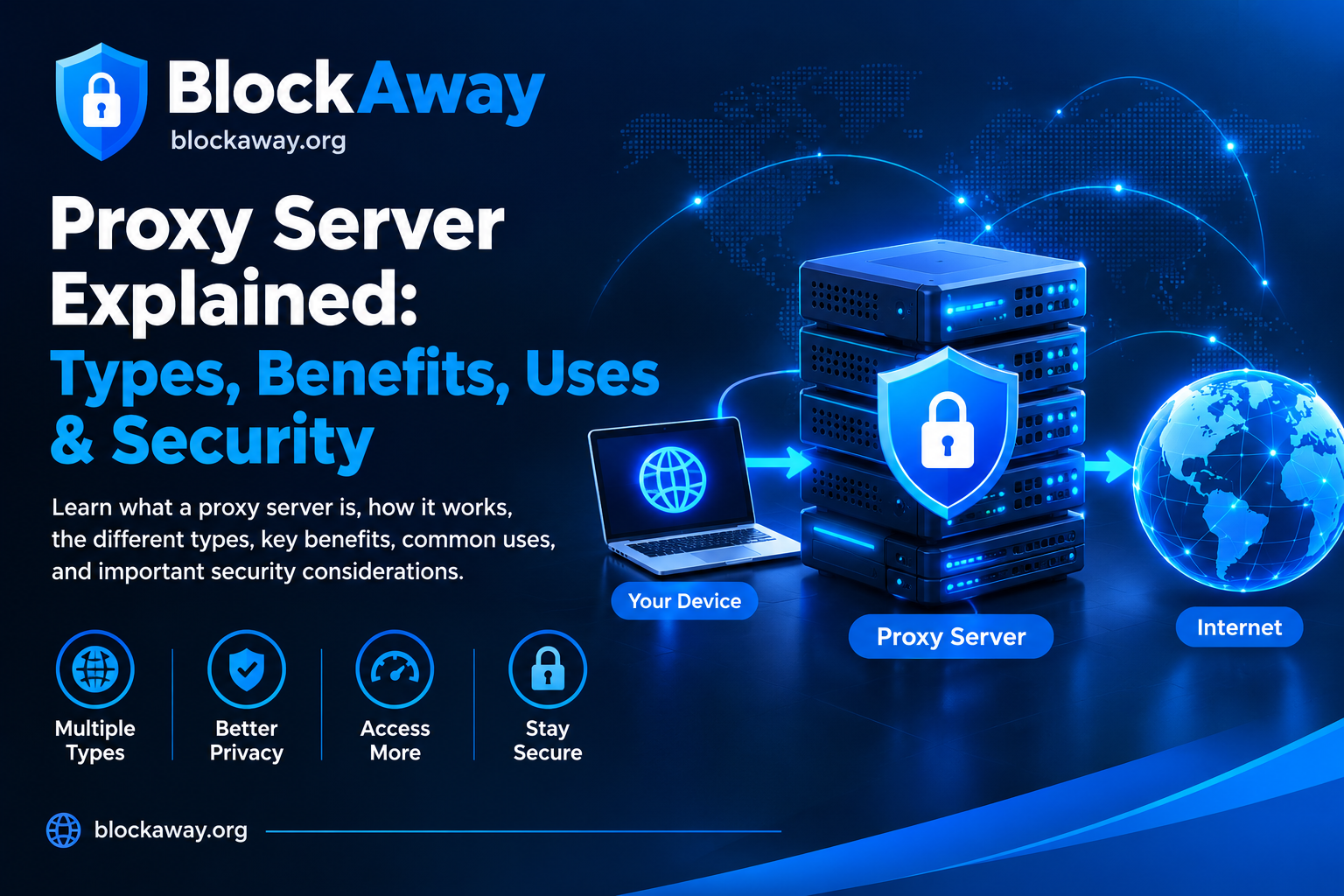
A web proxy works as an intermediary between your browser and a destination website. Instead of making a direct request to the destination, the request is processed through the proxy service.
This guide explains the basics of BlockAway Proxy, how web proxies work, their benefits and limitations, privacy considerations, security tips, troubleshooting steps, and the differences between a proxy and a VPN.
What Is BlockAway Proxy?
BlockAway Proxy refers to BlockAway’s web-proxy service and the broader concept of using a web proxy for browser-based access.
A web proxy can sit between your browser and the destination website:
Your Browser → BlockAway Proxy → Destination Website
The proxy receives the request, processes it, and attempts to retrieve the requested webpage.
Depending on the website and proxy implementation, some pages may work normally while others may have compatibility issues.
BlockAway should not be confused with a VPN, search engine, or browser. A web proxy has a different technical purpose from those services.
How Does BlockAway Proxy Work?
The basic process is straightforward.
Step 1: Enter a Website Address
A user enters the address of the website they want to visit into the proxy interface.
Step 2: The Proxy Processes the Request
The proxy receives the request and attempts to connect to the destination.
Step 3: The Destination Responds
The requested website sends its response to the proxy.
Step 4: The Proxy Returns the Content
The proxy processes the response and sends it back to the user’s browser.
This creates an intermediary connection between the browser and the destination.
Why Use a Web Proxy?
People use web proxies for several legitimate reasons.
Browser-Based Access
A web proxy can provide browser-based access without requiring a dedicated VPN application.
Network Testing
Developers and network administrators can use proxy services to test how websites respond through an intermediary connection.
Privacy Research
A proxy can be useful for understanding IP-based connections and online privacy.
Website Testing
Web developers can use proxy infrastructure for controlled testing of websites and network behavior.
Troubleshooting
A proxy can sometimes help determine whether a connectivity problem is related to a particular network path.
The usefulness of a proxy depends on the specific implementation and destination website.
Does BlockAway Proxy Hide Your IP Address?
A proxy can cause a destination website to see the proxy server’s IP address rather than the user’s direct IP address, depending on the proxy architecture.
However, this does not mean the user becomes completely anonymous.
The proxy provider may still be able to process connection information. Websites can also use cookies, account information, browser characteristics, and other technologies to recognize users.
Therefore:
Changing the visible IP address is not the same as complete anonymity.
Is BlockAway Proxy a VPN?
No.
A web proxy and VPN are different technologies.
A typical browser-based proxy handles web requests through the proxy service.
A VPN generally establishes a broader encrypted network connection that can route traffic from multiple applications through a VPN server.
Web Proxy
- Browser-focused
- Usually easy to access
- Can work through a web interface
- May not cover other applications
- Performance depends on the proxy infrastructure
VPN
- Usually operates at the device/network level
- Can route traffic from multiple applications
- Commonly uses an encrypted tunnel
- Usually requires a VPN application or operating-system configuration
Choosing between them depends on your requirements.
BlockAway Proxy vs Direct Browsing
With direct browsing:
Browser → Website
With a proxy:
Browser → Proxy → Website
Direct browsing is usually simpler and provides fewer intermediary components.
Proxy browsing introduces an additional service between the browser and destination.
That can be useful, but it also introduces additional considerations around:
- Performance
- Compatibility
- Privacy
- Logging
- Security
- Website restrictions
Is a Free Web Proxy Safe?
Free proxy services should be used carefully.
The fact that a service is free does not automatically tell you whether it is secure or trustworthy.
Before using any free proxy, consider whether it has:
- A clear privacy policy
- HTTPS support
- Transparent information about data collection
- Clear ownership information
- Reasonable security practices
- Reliable infrastructure
Avoid entering sensitive information into an unfamiliar proxy.
Do Not Enter Sensitive Information Through an Untrusted Proxy
Users should be particularly careful with:
- Banking passwords
- Credit-card information
- Email passwords
- Cryptocurrency credentials
- Recovery codes
- Personal documents
- Authentication tokens
A proxy is an intermediary, so users should understand who operates the service before trusting it with sensitive information.
For financial or highly sensitive activities, direct access through a trusted connection is generally preferable.
Does BlockAway Proxy Encrypt My Internet Connection?
A web proxy should not automatically be described as providing the same device-wide encryption as a VPN.
The security of an individual website connection also depends on whether the destination uses HTTPS and how the proxy handles the connection.
HTTPS provides encryption between the browser and the HTTPS destination under the normal TLS security model.
Users should therefore check the address bar and prefer secure HTTPS connections whenever available.
BlockAway Proxy and HTTPS
HTTPS is especially important when transmitting information online.
A secure HTTPS connection helps protect information while it travels between the browser and the destination website.
However, HTTPS does not automatically mean that the proxy provider is trustworthy.
The proxy may still handle connection metadata or other technical information depending on its architecture and policies.
That is why both transport security and provider trust matter.
Why Some Websites Do Not Work With BlockAway Proxy
Modern websites can be complicated.
They may rely on:
- JavaScript
- Cookies
- APIs
- WebSockets
- CAPTCHA
- Browser fingerprinting
- Content Security Policy
- Anti-bot systems
- Authentication
- Dynamic resources
A web proxy may have difficulty processing some of these technologies.
As a result, a website may display incorrectly, fail to load, or repeatedly request verification.
Common BlockAway Proxy Problems
Website Does Not Load
The destination may be blocking proxy traffic or the proxy may be unable to process the site’s technology.
Images Are Missing
Image URLs or resource requests may not be processed correctly.
Login Does Not Work
Some authentication systems are incompatible with web proxy rewriting.
CAPTCHA Appears
The destination may detect shared or unusual proxy traffic.
Page Looks Broken
JavaScript, CSS, APIs, or dynamic resources may not work properly through the proxy.
Proxy Is Slow
The proxy server may be overloaded or located far from the user or destination.
How to Troubleshoot Proxy Problems
If a website is not working correctly:
- Refresh the page.
- Check whether the original website works directly.
- Try another browser.
- Clear browser cache and cookies.
- Check whether JavaScript is enabled.
- Wait if the destination is displaying a temporary CAPTCHA or rate limit.
- Try again later if the proxy server is experiencing high traffic.
- Do not repeatedly send requests to a website that is rate-limiting traffic.
If a destination works directly but fails consistently through the proxy, the issue may be related to proxy compatibility.
BlockAway Proxy on Mobile Devices
Web-based proxies can generally be accessed through supported mobile browsers when the proxy service provides a browser interface.
The experience can differ between:
- Android phones
- iPhones
- Tablets
- Desktop computers
Mobile websites may also use different layouts and security systems.
For sensitive activities, users should still avoid entering confidential credentials through an unfamiliar proxy.
BlockAway Proxy and Public Wi-Fi
Public Wi-Fi networks can be useful but require caution.
A proxy can change the route used for particular web requests, but it should not be considered a complete replacement for network security.
When using public Wi-Fi:
- Prefer HTTPS websites.
- Keep your device updated.
- Avoid unknown downloads.
- Use strong passwords.
- Enable multi-factor authentication.
- Avoid sensitive transactions on untrusted networks.
- Disconnect from networks when you no longer need them.
Proxy vs VPN vs Private Browser
These technologies are often mixed together.
Proxy
A proxy acts as an intermediary for supported network requests.
VPN
A VPN generally routes broader device traffic through an encrypted connection to a VPN server.
Private Browser
A privacy-focused browser can provide features designed to reduce tracking and improve browsing privacy.
These technologies can overlap in some use cases, but they are not identical.
Can BlockAway Proxy Make You Anonymous?
No service should casually promise complete anonymity.
Even if a proxy hides your direct IP address from a destination, websites can still potentially use:
- Cookies
- Login accounts
- Browser characteristics
- Device information
- JavaScript
- Tracking technologies
- Information voluntarily submitted by users
The proxy provider may also have access to connection information depending on its policies and architecture.
Online privacy is therefore a combination of technology, configuration, and user behavior.
BlockAway Proxy and Privacy
Anyone using a proxy should understand the provider’s privacy practices.
Before relying on a proxy for privacy-sensitive browsing, review:
- Privacy policy
- Data collection practices
- Logging policy
- Cookie handling
- Security information
- Contact information
- Terms of service
Avoid relying solely on marketing terms such as “anonymous,” “private,” or “secure.”
The technical details behind those claims are more important than the wording.
Proxy Use for SEO and Web Research
Proxies can be useful for legitimate SEO and web research.
Examples include:
- Checking regional website availability
- Testing redirects
- Reviewing localized content
- Diagnosing connectivity
- Performing controlled research
- Testing website responses
Automated requests should be kept within reasonable limits.
Do not use proxy infrastructure to overwhelm websites, evade legitimate security controls, or violate website terms.
Proxy Use for Developers
Developers can use proxy concepts when building and testing web applications.
Possible applications include:
- HTTP request testing
- Network troubleshooting
- Content retrieval testing
- Redirect testing
- Cache testing
- Regional testing
- Application debugging
A controlled development proxy can also help teams understand how requests and responses move between applications and external services.
Advantages of a Web Proxy
A web proxy can offer several practical benefits.
Easy Browser Access
A web interface can be simpler than configuring a separate application.
Intermediary Connection
The destination may see the proxy’s network address instead of the user’s direct address.
Useful for Testing
Developers and researchers can use proxies to test network behavior.
No Dedicated VPN Application
A browser-based proxy may not require installing a VPN application.
Limitations of a Web Proxy
A proxy also has important limitations.
Not Complete Anonymity
Changing the visible IP does not eliminate all identifiers.
Website Compatibility
Modern websites may not work correctly through proxy systems.
Provider Trust
The proxy operator becomes an additional party in the connection.
Speed
Performance can be lower than direct browsing.
Security
A proxy should not automatically be assumed to provide VPN-level protection.
Proxy Safety Checklist
Before using a web proxy, follow these guidelines:
- Check the website’s security.
- Review the provider’s privacy policy.
- Avoid sensitive credentials.
- Prefer HTTPS websites.
- Keep your browser updated.
- Be cautious with downloads.
- Watch for suspicious redirects.
- Do not assume complete anonymity.
- Respect website terms and network policies.
- Use trusted services for sensitive activities.
Frequently Asked Questions
What is BlockAway Proxy?
BlockAway Proxy is a web-proxy service concept that allows users to send supported web requests through an intermediary proxy.
How does a web proxy work?
A proxy receives a request from the browser, connects to the destination website, and returns the response to the browser.
Does a proxy hide my IP address?
It can cause the destination to see the proxy’s IP address instead of your direct IP, depending on the implementation.
Is BlockAway Proxy a VPN?
No. A web proxy and VPN use different technologies and provide different types of network routing.
Is BlockAway Proxy completely anonymous?
No proxy should be assumed to provide complete anonymity.
Why is a website not working through a proxy?
JavaScript, cookies, authentication, CAPTCHA, anti-bot systems, APIs, or other technologies may cause compatibility problems.
Can I use BlockAway Proxy on mobile?
A web-based proxy can generally be accessed through a compatible mobile browser, although functionality depends on the service and destination.
Should I use a free proxy for banking?
Using an unfamiliar public proxy for sensitive financial activity is not recommended.
Why is my proxy slow?
Server load, bandwidth, network distance, destination performance, and proxy processing can all affect speed.
Can a proxy protect all applications on my device?
A browser-based proxy generally does not provide the same device-wide routing as a VPN.
Does a proxy guarantee privacy?
No. Privacy depends on the proxy’s architecture, policies, the destination website, browser configuration, and user behavior.
Final Thoughts
BlockAway Proxy is best understood as a web-proxy technology rather than a replacement for a VPN or a guarantee of anonymity.
A proxy can provide an intermediary connection for browser-based web requests and can be useful for browsing, testing, research, and troubleshooting. However, users should understand the limitations of proxy technology before relying on it for privacy or security.
For safer browsing, use HTTPS, avoid entering sensitive information into untrusted proxy services, keep your browser and operating system updated, and review the privacy practices of any intermediary service you use.
The key principle is simple:
A proxy can change how your web request is routed, but it does not automatically make your entire online activity anonymous or secure.