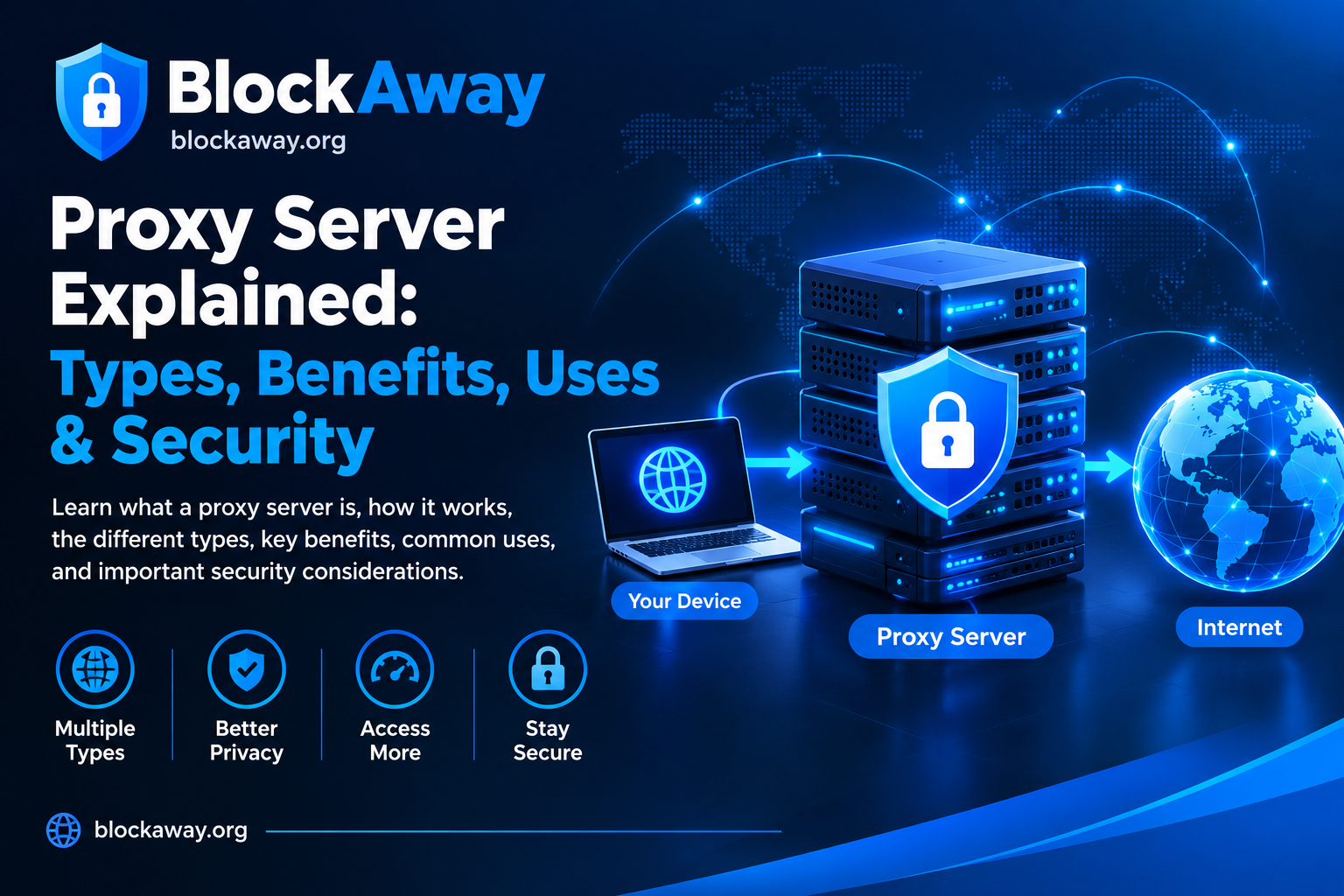
Choosing the right proxy protocol can make a difference in browsing, application testing, network management, and online privacy. Two commonly discussed options are SOCKS5 proxies and HTTP proxies. Both can route internet traffic through an intermediary server, but they differ in how they handle connections, which traffic they support, and the situations in which they are useful.
An HTTP proxy is designed primarily for web traffic and can understand HTTP requests. A SOCKS5 proxy operates at a lower level and can relay different types of network traffic supported by the client and server.
Understanding SOCKS5 proxy vs HTTP proxy can help you select an option that matches your technical requirements, budget, and privacy expectations.
In this guide, we explain how both proxy types work, compare their advantages and limitations, and discuss when each one may be the better choice.
What Is an HTTP Proxy?
An HTTP proxy is an intermediary server designed to handle HTTP web requests. Instead of sending a request directly to a website, a browser or application sends it through the proxy server.
The proxy processes or forwards the request to the destination server and then returns the response to the client.
HTTP proxies are commonly used for web browsing, content filtering, caching, website testing, and network administration. Organizations may also use them to apply browsing policies or monitor permitted network activity.
How Does an HTTP Proxy Work?
A typical HTTP proxy connection follows these steps:
A browser or application is configured to use an HTTP proxy.
The client sends a web request to the proxy server.
The proxy forwards the request to the destination website.
The website returns a response to the proxy.
The proxy sends the response back to the client.
For HTTPS websites, many HTTP proxies support the CONNECT method, which establishes a tunnel through the proxy. The browser can then perform its own TLS encryption with the destination website.
The exact behavior depends on the proxy implementation and configuration.
Common Uses of HTTP Proxies
HTTP proxies can be useful for:
Web browsing through an intermediary server.
Testing website behavior and performance.
Filtering web traffic in managed networks.
Caching certain web resources.
Troubleshooting HTTP requests and responses.
Managing access to websites in schools or organizations.
HTTP proxies are often a practical choice when the task mainly involves web traffic.
What Is a SOCKS5 Proxy?
SOCKS5 is a proxy protocol that supports relaying network connections between a client and a destination server. Unlike an HTTP proxy, it is not limited to interpreting HTTP web requests.
SOCKS5 can support TCP connections and, when implemented and configured appropriately, UDP traffic. This makes it suitable for a wider range of applications that support SOCKS5 connections.
A SOCKS5 proxy does not automatically encrypt traffic. It primarily provides a method for relaying connections through another server.
How Does a SOCKS5 Proxy Work?
A SOCKS5 connection generally follows these steps:
An application connects to a SOCKS5 proxy server.
The client and proxy negotiate an authentication method.
The client requests a connection to a destination address and port.
The proxy attempts to establish the requested connection.
If successful, traffic is relayed between the client and destination.
SOCKS5 supports several authentication options, although not every service requires or implements username-and-password authentication. The protocol itself does not guarantee confidentiality.
Common Uses of SOCKS5 Proxies
SOCKS5 proxies may be useful for:
Applications that explicitly support SOCKS5.
Network troubleshooting and development.
Relaying supported TCP connections.
Applications that need compatible UDP relay functionality.
Testing software through different network routes.
Authorized network research and connectivity testing.
A SOCKS5 proxy is particularly useful when an application needs a general-purpose proxy protocol rather than one designed specifically for web requests.
SOCKS5 Proxy vs HTTP Proxy: Main Differences
Although both protocols can route connections through intermediary servers, they have different capabilities.
Feature
SOCKS5 Proxy
HTTP Proxy
Main purpose
General network connection relay
Primarily web traffic
Protocol awareness
Does not interpret application traffic in the same way as an HTTP proxy
Understands HTTP requests
Traffic support
TCP and supported UDP relay
HTTP and, commonly, HTTPS tunnelling
HTTPS support
Depends on the client and configuration
Commonly supported through CONNECT tunnelling
Caching
Not an inherent SOCKS5 function
Can support HTTP caching
Content filtering
Usually handled by other software
Can inspect and filter HTTP requests
Authentication
Supports negotiated authentication methods
Depends on proxy implementation
Encryption
Not provided by SOCKS5 itself
Not guaranteed by the proxy itself
Common applications
Compatible apps and general connection relaying
Browsers, web filtering, and web testing
The most important difference is that SOCKS5 can relay a broader range of connection types, while HTTP proxies provide features specifically suited to web traffic.
Actual functionality depends on the proxy server, client software, and configuration.
Which Proxy Is Faster?
There is no universal speed winner between SOCKS5 and HTTP proxies.
A SOCKS5 proxy may perform well for applications that need straightforward connection relaying. An HTTP proxy may perform well for web browsing, especially when caching is supported and the requested resources can be reused.
Speed depends on several factors:
Distance between your device and the proxy server.
Proxy server capacity and current load.
Your internet connection.
Network routing and latency.
Encryption performed by the application.
Destination website performance.
Provider limits and traffic policies.
If performance matters, test both options with the application and destination you intend to use. Compare response times, connection reliability, and throughput rather than relying on protocol names alone.
SOCKS5 Proxy vs HTTP Proxy for Security
Neither SOCKS5 nor HTTP proxying automatically makes a connection secure.
A proxy can route traffic through an intermediary server, but the level of protection depends on encryption, authentication, the client application, and the trustworthiness of the provider.
Security considerations for HTTP proxies
An HTTP proxy may process web requests and, depending on its configuration, may inspect headers or content that is not encrypted. If an HTTPS connection is established through a CONNECT tunnel without interception, TLS normally protects the contents of the communication between the browser and the destination website.
Do not assume that every HTTP proxy encrypts the connection between your device and the proxy server.
Security considerations for SOCKS5 proxies
SOCKS5 supports connection relaying and authentication negotiation, but it does not encrypt traffic by itself. Applications that send sensitive data should use appropriate end-to-end encryption, such as HTTPS or another secure protocol.
The proxy operator may still observe connection metadata, including destination addresses, depending on the setup.
How to stay safer
Regardless of the proxy type:
Use HTTPS for websites that handle sensitive information.
Choose providers with clear privacy and security policies.
Avoid sending passwords through untrusted connections.
Use strong authentication for accounts and services.
Keep browsers and applications updated.
Review the provider’s data collection and retention practices.
For broader protection of network traffic, consider whether a properly configured VPN is more appropriate for your needs.
A SOCKS5 proxy generally makes the destination server see the proxy’s IP address as the source of the relayed connection, rather than your original public IP address.
However, this does not guarantee complete anonymity. Applications may communicate directly if they are not configured to use the proxy for all relevant traffic. DNS resolution and other network requests can also behave differently depending on the application and configuration.
Websites may still identify users through account logins, cookies, browser fingerprinting, and other signals.
An HTTP proxy can also mask the original IP address from the destination website, depending on its configuration and the headers it forwards.
Therefore, IP address masking should not be confused with complete online privacy.
SOCKS5 vs HTTP Proxy for Web Browsing
For ordinary web browsing, an HTTP proxy may be a natural fit because it is designed for HTTP requests and can support web-specific features.
An HTTP proxy can be useful in managed environments where administrators need to apply browsing rules, inspect permitted requests, or cache resources.
A SOCKS5 proxy can also work for web browsing if the browser or operating system is configured to use it. It may be preferable when the same proxy connection needs to support compatible applications beyond web browsing.
The best choice depends on whether you need web-specific processing or general-purpose connection relaying.
SOCKS5 vs HTTP Proxy for Gaming and Applications
Some applications support SOCKS5 connections, but compatibility depends on the software and its networking requirements.
SOCKS5 may be suitable for supported TCP connections and applications that can use its UDP relay capabilities. However, UDP support must be available and correctly configured at both ends.
HTTP proxies generally focus on web traffic and may not work with applications that require arbitrary TCP or UDP connections.
For gaming, voice communication, or real-time applications, check the software’s proxy support before choosing a service. A proxy can add latency and may interfere with connections that depend on particular ports or network behavior.
Neither protocol guarantees better gaming performance. The route, server location, and application’s requirements matter more than the protocol label alone.
SOCKS5 Proxy vs HTTP Proxy for Web Scraping
Both types may be used in authorized web scraping and testing workflows, but suitability depends on the tools, destination website, and applicable rules.
HTTP proxies for web scraping
HTTP proxies are designed to handle web requests and may integrate naturally with HTTP clients, testing tools, and web development software.
Some providers offer features such as request filtering or caching, which may help in particular workflows.
SOCKS5 proxies for web scraping
SOCKS5 may be useful when the client application supports it and requires general-purpose connection relaying. It does not automatically provide better access, greater anonymity, or faster scraping.
Before using either option, respect website terms, API rules, rate limits, privacy requirements, and applicable laws. Do not use proxies to bypass authentication or security controls.
SOCKS5 Proxy vs HTTP Proxy: Which Is Better for Beginners?
For beginners, the simplest choice is usually the protocol supported by the application they want to use.
An HTTP proxy can be straightforward for web-focused tasks and may be easier to manage in environments that rely on web filtering or HTTP request inspection.
A SOCKS5 proxy may be more versatile when an application specifically supports it and needs to relay different kinds of network connections.
Whether the provider supports the required connection type.
Whether authentication is available.
Whether the provider explains its privacy practices.
Whether the service has clear pricing and usage limits.
Whether the service permits your intended use.
A small trial or test configuration can help you identify compatibility issues before committing to a paid plan.
Can You Use SOCKS5 and HTTP Proxies Together?
It is possible to route traffic through multiple intermediary services, but doing so requires compatible software and careful configuration.
For example, an application might connect to one proxy through another proxy, if both the software and services support that arrangement.
However, using two proxies does not automatically double your privacy or security. It can add latency, make troubleshooting more difficult, and introduce additional providers that may process connection metadata.
For most users, a single well-configured proxy is easier to manage. Use multiple proxy layers only when there is a clear technical requirement.
SOCKS5 Proxy vs HTTP Proxy: Advantages and Limitations
Advantages of SOCKS5 proxies
Support general-purpose connection relaying.
Can handle supported TCP connections and UDP relay.
Work with compatible applications beyond web browsers.
Can route connections through an intermediary IP address.
Limitations of SOCKS5 proxies
Do not provide encryption by themselves.
Require application compatibility and correct configuration.
May not offer web-specific caching or filtering.
Can introduce latency and reliability issues.
Advantages of HTTP proxies
Designed for web traffic.
Can support HTTP-specific filtering and caching.
Commonly used for website testing and network management.
Can tunnel HTTPS connections using CONNECT.
Limitations of HTTP proxies
May not support arbitrary application traffic.
Do not automatically encrypt the connection to the proxy.
Features depend on the implementation.
May not be suitable for applications requiring UDP relay.
Frequently Asked Questions
Is SOCKS5 better than an HTTP proxy?
Neither is universally better. SOCKS5 is useful for general-purpose connection relaying, while HTTP proxies are suited to web traffic and may provide web-specific features.
Is SOCKS5 more secure than HTTP?
Not automatically. SOCKS5 does not encrypt traffic by itself, and an HTTP proxy does not guarantee encryption either. Use HTTPS or other appropriate encryption and choose a trustworthy provider.
Can I use SOCKS5 for HTTPS websites?
Yes, if the browser or application supports SOCKS5 and is configured correctly. HTTPS encryption is normally handled between the client and destination website.
Does an HTTP proxy support HTTPS?
Many HTTP proxies support HTTPS connections through the CONNECT method. This usually creates a tunnel through which the client establishes TLS with the destination website.
Which proxy is better for privacy?
Neither protocol guarantees privacy. Both can mask your original IP address from a destination, but provider logging, application configuration, cookies, account logins, and other tracking methods still matter.
Can SOCKS5 improve internet speed?
It can change the network route, but it does not automatically increase speed. Results depend on the proxy server, routing, congestion, and destination.
Do I need a VPN if I use SOCKS5?
A VPN is not required to use SOCKS5. However, SOCKS5 does not encrypt traffic by itself, so a VPN may be more appropriate when you need an encrypted tunnel for routed traffic.
Conclusion
SOCKS5 and HTTP proxies both provide ways to route connections through intermediary servers, but they are designed for different purposes.
An HTTP proxy is a practical option for web-focused tasks, HTTP request handling, caching, and network filtering. SOCKS5 offers general-purpose connection relaying and can support compatible applications that need TCP or UDP relay functionality.
Neither proxy type automatically guarantees encryption, anonymity, or improved speed. The right choice depends on your application, security requirements, provider reliability, and intended use.
At BlockAway.org, understanding proxy protocols can help users make better-informed decisions about web browsing, network testing, and online privacy. Always review the provider’s policies and use proxy services responsibly.