The internet provides access to educational resources, entertainment, social media, research tools, and millions of websites. However, users may sometimes encounter network restrictions, connection errors, or browser compatibility problems that make certain websites difficult to access. This is one reason people search for a proxy site such as BlockAway.
BlockAway is associated with browser-based proxy access, which allows users to submit website requests through an intermediary service. Rather than requiring complicated network configuration, a browser-based proxy generally aims to provide a straightforward way to request a webpage through its interface.
In this guide, we will explore what a proxy site is, how BlockAway fits into the proxy category, how proxy technology works, and what users should know about performance, privacy, and online safety. We will also explain common troubleshooting methods and answer frequently asked questions about proxy browsing.
What Is Proxy Site BlockAway?
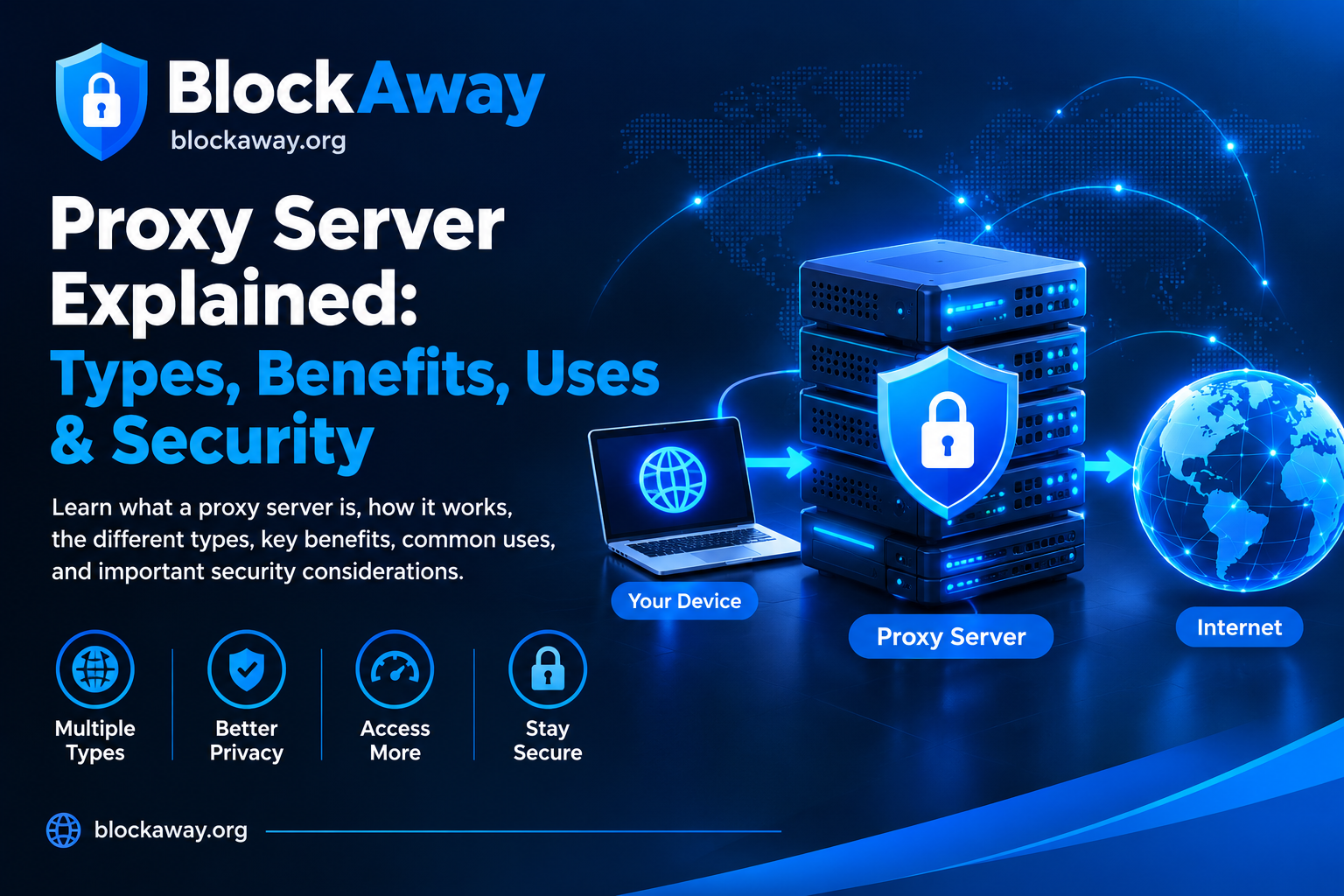
A proxy site is a web-based service that acts as an intermediary between a user’s browser and a destination website. When a user requests a webpage through a proxy, the proxy attempts to retrieve the requested content and return it to the browser.
BlockAway is associated with this browser-based proxy model. Its purpose is to make website access straightforward without requiring users to configure a traditional proxy manually in every situation.
The exact features and availability of a proxy depend on the live service. Not every website, video, login form, or interactive feature will necessarily work through a proxy.
Understanding how proxy technology works helps users make informed decisions about online access and privacy.
Step 1: Open the Proxy Website
The user visits the proxy service through a web browser. A browser-based service may provide an input field where the user can enter the address of a destination website.
Step 2: Enter the Website Address
The user submits the URL they want to visit. The request is sent to the proxy service rather than being handled solely through a direct browser-to-destination connection.
Step 3: The Proxy Processes the Request
The proxy attempts to retrieve the requested webpage. Depending on its design, it may rewrite links or process certain page resources so the content can be displayed through the proxy interface.
Step 4: View the Result
If the destination and its resources are supported, the requested content may appear in the browser. Complex websites can behave differently because they may depend on scripts, cookies, authentication systems, and third-party services.
A proxy is therefore not a guarantee that every website will load correctly. Compatibility depends on the proxy implementation and the destination website.
Why Do People Use Proxy Sites?
People explore proxy services for several reasons. The appropriate use depends on the user’s needs, the network environment, and the service’s capabilities.
1. Understanding Network Restrictions
Some networks limit access to particular categories of websites. Users may research proxy technology to understand how network routing and web filtering work.
If a school, employer, or other organization has established access rules, users should follow those rules and request authorized access when appropriate.
2. Browser-Based Convenience
A browser-based proxy may be convenient because it can provide an interface directly on a webpage. Depending on the service, users may not need to install a separate application or change system-wide network settings.
Convenience does not eliminate the need to check the provider’s privacy practices and limitations.
3. Learning About IP Addresses
A proxy can change the IP address visible to a destination website, depending on its configuration. However, this does not guarantee complete anonymity. The proxy operator may receive connection information, and websites may still identify users through accounts, cookies, or other signals.
4. Troubleshooting Website Access
A proxy may be one of several tools people investigate when a website does not load. Before using one, it is sensible to check the internet connection, browser settings, DNS configuration, and whether the destination website is experiencing an outage.
5. Testing Website Compatibility
Developers and technical users may investigate proxy behavior when testing how websites respond to different request paths. Such testing should respect the destination website’s terms and avoid unauthorized access.
Important Features to Consider in a Proxy Site
Proxy services differ in their technical design, privacy policies, and compatibility. When evaluating BlockAway or another proxy, consider the following factors.
Simple Browser Interface
A clear interface can make a service easier to understand. Users should be able to identify the intended function without being misled by deceptive advertisements, fake buttons, or unexpected downloads.
Website Compatibility
Some proxy services handle basic webpages more reliably than complex applications. Video players, authentication systems, file uploads, and interactive pages may require features that a particular proxy does not support.
Connection Performance
Performance depends on server load, network conditions, distance, and the destination website. Routing through an intermediary can add latency, so a proxy should not automatically be assumed to make browsing faster.
Privacy Transparency
A trustworthy evaluation should include the service’s privacy policy, terms of use, data-retention information, and details about how user requests are handled.
A privacy policy is useful information, but it does not independently prove that a provider follows every stated practice.
Device Compatibility
A browser-based proxy may be usable on different devices, but the experience can vary by browser, operating system, and destination website. Keep your browser updated and avoid installing unofficial software just to make a proxy work.
Benefits of Browser-Based Proxy Technology
Browser-based proxies offer some practical advantages in suitable situations.
Convenient Access
A web interface may reduce the need for manual proxy configuration. Users can interact with the service through a browser they already use.
No Separate Application in Some Cases
Some browser-based proxy services can be used without downloading a dedicated application. This may be useful when installing software is not practical or permitted.
Educational Value
Proxy technology helps explain how internet requests move between clients, intermediary servers, and destination websites.
A Way to Investigate Connectivity Problems
Testing a destination through different routes may sometimes help users understand whether a problem relates to the browser, the network, or the destination. However, a proxy is not a universal troubleshooting solution.
Limitations of Proxy Site BlockAway
It is important to understand the limitations of proxy services before relying on them.
Not Every Website Will Work
Modern websites may rely on scripts, cookies, media resources, and security checks that a proxy cannot handle completely.
Video Playback May Be Unreliable
A video page may load while its player fails. This can happen when the proxy does not support all the requests needed for streaming.
An intermediary introduces an additional step in the request process. Slow servers, congestion, or long network routes can reduce performance.
Privacy Is Not Guaranteed
The proxy operator may receive connection details, and the destination website may still recognize a user who signs in to an account. A proxy should not be treated as a complete anonymity solution.
Some Content May Remain Unavailable
A proxy cannot guarantee access to content that is private, removed, unavailable, or restricted by the destination website itself.
Is Proxy Site BlockAway Safe?
The safety of a proxy depends on the provider’s practices and how the service is used. When a third party handles your web requests, it is important to consider what information that party may receive.
Follow these precautions when using any unfamiliar proxy service.
Avoid Sensitive Information
Do not enter banking passwords, payment information, confidential work documents, or sensitive personal information through an unfamiliar proxy.
Verify the Domain
Check the spelling of the website address before using it. Look-alike domains can imitate familiar brands.
Avoid Unwanted Downloads
Be cautious if a proxy page asks you to install an unknown application, extension, or certificate. Do not install software simply because a pop-up claims it is required to continue browsing.
Review Privacy Terms
Look for clear information about logging, data retention, advertising, and information sharing. If the policy is missing or difficult to understand, consider whether you are comfortable using the service.
Keep Your Browser Updated
Browser and operating-system updates can fix security issues and improve compatibility.
Understand HTTPS
HTTPS helps protect data in transit between your browser and the website it connects to. However, HTTPS alone does not prove that a website or proxy operator is trustworthy.
Proxy Site vs. VPN
A web proxy and a virtual private network (VPN) are different tools.
A web proxy often handles requests made through a specific interface. A VPN typically creates an encrypted tunnel for selected or broader device network traffic, depending on the configuration.
Feature
Web Proxy
VPN
Typical use
Requests routed through a proxy interface
Network traffic routed through a VPN tunnel
Setup
May work directly in a browser
Often requires an app or configuration
Traffic coverage
Often limited to the proxy workflow
May cover more device traffic
Privacy
Depends on provider and usage
Depends on provider and usage
Guaranteed anonymity
No
No
Neither tool guarantees complete anonymity or makes unsafe websites safe. Choose a tool based on your needs and the provider’s documented practices.
Open a private or incognito window to check whether an extension or existing site data is causing the problem. Private browsing does not hide your activity from every website or network administrator.
Review Extensions
Content blockers and script-control extensions may interfere with some webpages. Temporarily disable a suspected extension to test the result, then restore it if it makes no difference.
Clear Relevant Site Data
Cached files or cookies may occasionally cause problems. Clear relevant site data if needed, remembering that this can sign you out of websites.
Test the Destination Directly
If the proxy page opens but the destination does not, test the destination directly where permitted. This helps determine whether the destination itself is unavailable or the proxy is incompatible.
Retry Later
If the problem appears to be a temporary service interruption, wait and try again. Avoid downloading unknown software or bypassing browser security warnings to force a page to load.
Responsible Use of Proxy Services
Use proxy services in accordance with applicable laws, website terms, privacy requirements, and network policies.
Do not use a proxy to access systems without authorization, misuse accounts, harass others, or evade legitimate security controls. If you need access for a valid educational or professional purpose, ask the relevant network administrator for an approved option.
A proxy is a networking tool, not permission to disregard a website’s rules or access private information.
Frequently Asked Questions
What is Proxy Site BlockAway?
BlockAway is associated with browser-based proxy access. A web proxy acts as an intermediary that attempts to retrieve a requested website and return its content to the browser.
Do I need to install an application to use a web proxy?
Some browser-based proxies work through a webpage without a separate application. Always verify the requirements on the official service and avoid unexpected downloads.
Can BlockAway open every website?
No proxy should be assumed to support every website or feature. Compatibility can vary with scripts, authentication, streaming media, security checks, and the destination website.
Does a proxy hide my IP address?
A proxy may change the IP address visible to a destination, depending on the configuration. It does not guarantee complete anonymity, and the proxy operator may receive connection information.
Is a proxy the same as a VPN?
No. A proxy commonly handles requests through a particular interface, while a VPN typically routes selected or broader device traffic through a tunnel.
Why does a website fail to load through a proxy?
Possible causes include temporary server issues, browser incompatibility, connection problems, or destination features that the proxy does not support.
Is it safe to sign in to accounts through a proxy?
Avoid entering sensitive credentials through an unfamiliar proxy. Use trusted official services whenever possible.
Can a proxy guarantee unrestricted browsing?
No. Access depends on the proxy’s capabilities, the destination website, the network, and applicable rules.
Conclusion
Proxy Site BlockAway is a topic worth understanding for anyone researching browser-based proxy technology. Proxies can provide a convenient way to route certain web requests through an intermediary, but their features, compatibility, and privacy practices vary.
Before relying on a proxy, check its documentation, avoid sharing sensitive information, keep your browser updated, and understand that neither a proxy nor a VPN guarantees complete anonymity or universal website access.
For more information about proxy technology, explore these related resources on BlockAway.org: