YouTube is one of the world’s most popular platforms for watching videos, discovering educational content, listening to music, following creators, and learning new skills. However, users sometimes experience problems accessing videos because of network issues, browser settings, regional availability, or restrictions imposed by a network administrator. These situations often lead people to search for a YouTube proxy.
A YouTube proxy is an intermediary service that attempts to retrieve web content on behalf of a user. Depending on the service and its technical capabilities, it may allow some YouTube pages to load through a browser-based interface. However, not every proxy supports every video, login feature, or interactive element.
In this comprehensive guide, you will learn what a YouTube proxy is, how it works, its possible advantages and limitations, how it differs from a VPN, and how to browse more safely. You will also discover practical troubleshooting steps for common playback problems.
What Is a YouTube Proxy?
A YouTube proxy is a type of web proxy intended to help users access or test YouTube pages through an intermediary server.
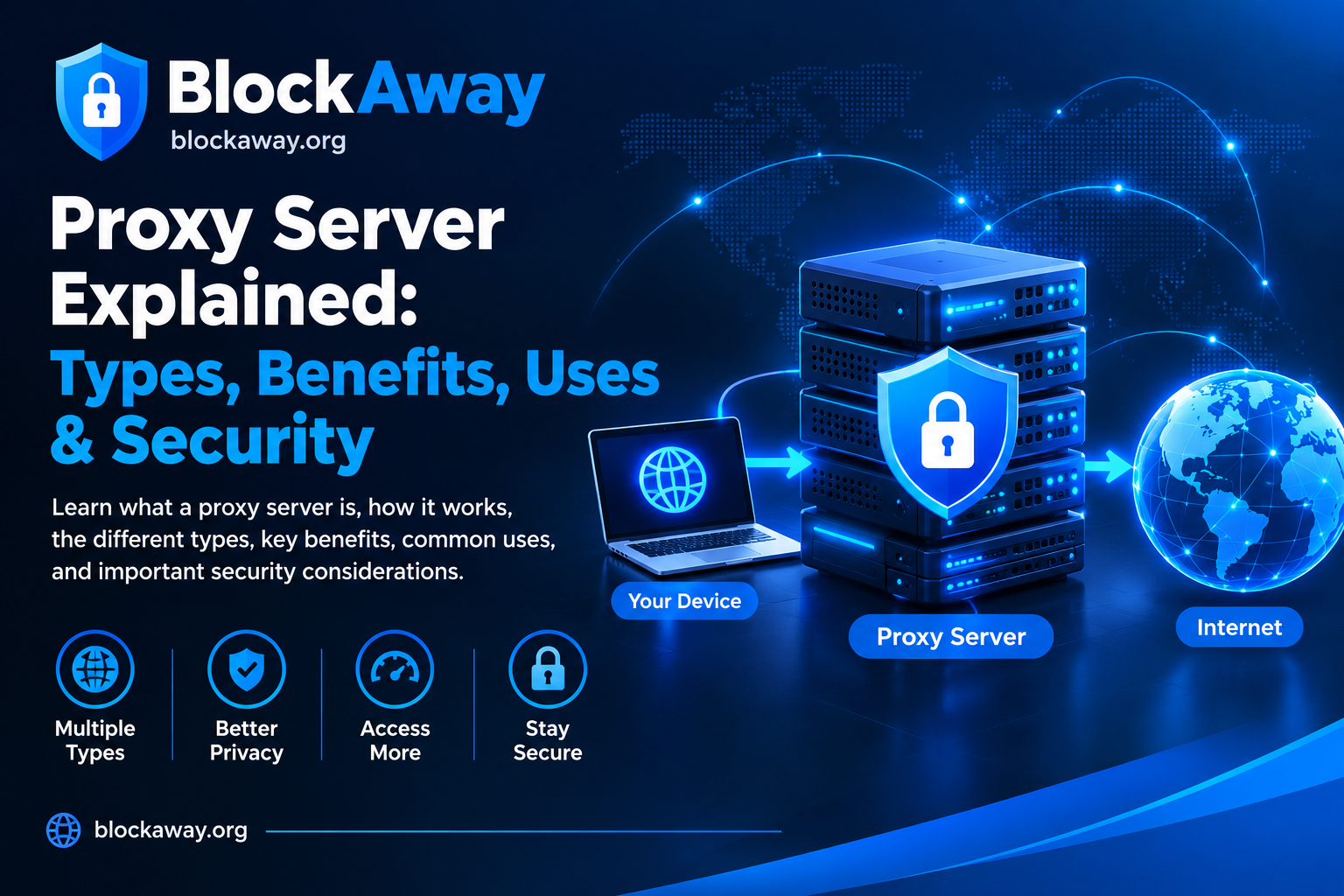
When browsing normally, your device sends requests directly to the destination website. With a web proxy, the request first goes through the proxy service. The service then attempts to retrieve the requested content and return it to your browser.
The exact process depends on the provider. Some web proxies offer a simple field where users enter a destination URL, while other proxy arrangements require configuration in a browser or application.
A YouTube proxy should not be confused with YouTube itself. It is a separate service, and its availability, reliability, privacy practices, and compatibility depend on the provider.
It is also important to understand that a proxy cannot guarantee access to every video. Content may be unavailable because it has been removed, made private, restricted by the uploader, or limited by YouTube or the network being used.
How Does a YouTube Proxy Work?
A typical browser-based proxy follows a straightforward process.
1. The User Opens a Proxy Website
The user visits the proxy provider’s website through a browser. Before using the service, it is sensible to review its privacy policy, terms, and any available information about how requests are handled.
2. The User Enters a Destination
Some web proxies provide a field where the user can enter a website address. The proxy then attempts to retrieve that destination.
3. The Proxy Processes the Request
The proxy server receives the request and attempts to fetch the requested content. Depending on its implementation, it may also rewrite links or process page resources to display them through its interface.
4. The Browser Displays the Result
If the proxy supports the requested page and its required resources, the browser may display the content. If scripts, cookies, media requests, or other resources are unsupported, the page may load incorrectly.
Video streaming is particularly complicated because a video page may rely on multiple services, scripts, authentication checks, and media delivery systems.
For this reason, a proxy that successfully opens a webpage may still fail to play a video.
Why Do People Search for YouTube Proxy Services?
People search for YouTube proxy services for several reasons.
Network Connectivity Problems
Sometimes a website fails to load because of DNS issues, unstable internet access, browser problems, or temporary service interruptions. Users may investigate proxy services while trying to understand the cause.
However, a proxy is not always the right solution. Checking the connection and testing YouTube directly can help determine whether the problem is local or related to the destination website.
Managed Network Restrictions
Schools, offices, and other organizations may manage internet access through filtering systems. Users may encounter restrictions when trying to access video platforms.
If a network administrator has limited access for security, educational, or workplace reasons, users should follow the applicable policy and request authorized access when appropriate.
Learning About Internet Privacy
Some users research proxies because they want to understand IP addresses, intermediary servers, and the difference between direct connections and routed requests.
A proxy may change the IP address visible to a destination, depending on the setup, but it does not guarantee complete anonymity. The proxy operator may receive connection information, and websites may still identify users through accounts or other signals.
Testing Browser Compatibility
Web developers and technical users may investigate proxy behavior to understand how websites respond to different connection arrangements. Such testing should be performed responsibly and without accessing systems or accounts without authorization.
Key Features to Evaluate in a YouTube Proxy
Not every service offers the same features. Instead of assuming that a provider supports everything, evaluate its documented capabilities.
Browser-Based Access
A browser-based interface may be convenient because it does not necessarily require installing a separate application. However, you should avoid unexpected downloads or extensions promoted by pop-ups.
Website Compatibility
Some proxies handle basic webpages more reliably than complex video platforms. Compatibility can change because websites regularly update their scripts, security checks, and delivery systems.
Connection Performance
Performance depends on server capacity, network conditions, distance, traffic, and the destination website. A proxy may feel slower than a direct connection because requests travel through an additional intermediary.
Privacy Information
A responsible provider should explain its terms and privacy practices. Look for information about connection logs, data retention, advertising, and the handling of user requests.
A privacy policy is useful, but it is not independent proof that a provider follows every stated practice.
Device and Browser Compatibility
A web proxy may behave differently on desktop browsers and mobile devices. Updated browsers generally offer better compatibility and security protections.
Before relying on a service, test only with ordinary, non-sensitive pages.
Benefits and Limitations of YouTube Proxy Services
A proxy can be useful in certain circumstances, but it also has important limitations.
Potential Benefits
Simple interface: Some browser-based proxies require little configuration.
Learning opportunity: Proxies help explain how intermediary servers process web requests.
Troubleshooting: Testing through another route may sometimes help identify the source of a connectivity issue.
No separate application in some cases: Browser-based services may work directly through a webpage.
These benefits depend on the provider and should not be assumed to apply to every service.
Important Limitations
Video playback may fail: Streaming features may require resources that a proxy cannot handle.
Performance may vary: Additional routing can increase latency.
Privacy is not guaranteed: The proxy operator may receive information about requests.
Some content remains unavailable: Private, removed, or otherwise restricted videos may not be accessible.
Account features may not work: Authentication and interactive features can behave differently through a proxy.
A realistic understanding of these limitations helps users avoid unreliable services and misleading promises.
YouTube Proxy vs. VPN: What Is the Difference?
A YouTube proxy and a virtual private network (VPN) are different tools.
A web proxy usually handles requests routed through its own interface. A VPN typically creates an encrypted tunnel for selected or broader device network traffic, depending on the configuration and provider.
A proxy may be convenient for a specific browser-based task, while a VPN may be more suitable for certain network-privacy requirements. Neither tool guarantees anonymity, prevents every form of tracking, or makes unsafe websites safe.
Feature
Web Proxy
VPN
Typical traffic scope
Often browser requests through the proxy interface
Usually selected or broader device traffic
Configuration
May work directly in a browser
Often requires an app or device setup
Encryption
Depends on the connection and implementation
Typically encrypts traffic between the device and VPN server
Privacy
Depends on provider practices and usage
Depends on provider practices and usage
Guaranteed anonymity
No
No
Choose a tool based on your actual needs, its documented capabilities, and the trust you place in its operator.
Safety depends on the service, its technical implementation, and the information you share.
A proxy introduces another party into the browsing process. That party may receive the destination address and connection metadata. Some services may also use advertising or other methods to support their operations.
Follow these precautions when evaluating any third-party proxy:
Avoid Sensitive Logins
Do not enter banking credentials, payment information, confidential work data, or sensitive personal information through an unfamiliar proxy.
Check the Website Address
Look carefully for misspelled domains and look-alike websites. A familiar service name does not automatically prove that a website is legitimate.
Avoid Unexpected Downloads
You should not install unknown software, browser extensions, or certificates simply because a proxy page says they are required.
Review the Privacy Policy
Check whether the provider explains what information it collects, how long it retains data, and whether it shares information with other parties.
Keep Your Browser Updated
Updates can fix security problems and improve website compatibility. Install updates through official browser or app-store channels.
Do Not Ignore Security Warnings
If the browser reports a certificate or connection warning, do not bypass it simply to make a proxy page load.
Remember that HTTPS helps protect data in transit, but it does not prove that a website operator is trustworthy.
How to Troubleshoot YouTube Playback Problems
If YouTube is not working correctly, try these general troubleshooting steps before assuming a proxy is necessary.
Check Your Internet Connection
Open a few familiar websites. If several sites fail, reconnect to your Wi-Fi or mobile data and try again.
Open YouTube Directly
Test the official website or app where permitted. This helps determine whether the issue affects YouTube itself or only the proxy route.
Update Your Browser
An outdated browser may not support newer website features correctly. Install available updates and restart the browser.
Review Browser Extensions
Some extensions can interfere with scripts, cookies, or video playback. Temporarily disable a suspected extension and test again, then re-enable it if it makes no difference.
Clear Relevant Site Data
Cached files and cookies can occasionally cause loading issues. Clear the relevant site data if necessary, keeping in mind that this may sign you out of websites.
Check Video Availability
A video may have been removed, made private, restricted by its uploader, or limited by platform settings. A proxy cannot guarantee that such content will become available.
Retry Later
Temporary network problems or service interruptions may resolve on their own. If the problem continues, look for an official service notice or contact the appropriate support team.
Why Does a YouTube Video Load but Not Play?
A video page can load while the actual player remains blank or displays an error.
This may happen because the player relies on JavaScript, media segments, cookies, authentication, and other resources that a proxy does not fully support.
Other causes include browser incompatibility, unstable internet access, a video that is no longer available, or a temporary platform problem.
To narrow down the issue, test the video directly in the official YouTube website or app. If it works directly but fails through a proxy, the proxy may not support the required playback features.
Do not install unknown video-player software or browser extensions recommended by suspicious error messages.
Mobile users may experience different results depending on the browser, operating system, and proxy provider.
For safer mobile browsing:
Keep your browser and operating system updated.
Download apps only from official sources.
Review browser permissions and notification requests.
Avoid entering sensitive account information through unfamiliar intermediary services.
Close suspicious pop-ups instead of following their instructions.
Use the official YouTube app or website when it meets your needs.
A browser-based proxy may display differently on a small screen, and video controls or interactive elements may not work consistently.
Responsible and Legal Use
Always consider applicable laws, website terms, copyright rules, and network policies when accessing online content.
Do not use a proxy to access systems without authorization, misuse accounts, harass others, or evade legitimate security controls. If access is needed for a valid educational or professional purpose, request an approved solution from the network administrator.
Proxy services are networking tools, not permission to ignore rules or access private information.
Common Myths About YouTube Proxy Services
Myth 1: Every YouTube Proxy Works with Every Video
Fact: Compatibility varies, and some videos or player features may not work.
Myth 2: A Proxy Makes Users Completely Anonymous
Fact: A proxy may change the IP address visible to a destination, but accounts, cookies, connection metadata, and other signals may still identify a user.
Myth 3: A Free Proxy Has No Privacy Risks
Fact: Free services may use advertising or other business models. Review their terms and avoid sharing sensitive information.
Myth 4: A Proxy Always Makes Browsing Faster
Fact: An intermediary can add latency, and speed depends on server load and network conditions.
Myth 5: Every Playback Error Means the Device Has a Virus
Fact: Playback errors can result from ordinary compatibility, connection, or service issues. Avoid alarming pop-ups that encourage unknown downloads.
Frequently Asked Questions About YouTube Proxy
What is a YouTube proxy?
A YouTube proxy is an intermediary service that attempts to retrieve YouTube pages or content on behalf of a user. Its capabilities depend on the provider and the destination.
Does a YouTube proxy always work?
No. Some services may fail to load particular pages, play videos, handle logins, or support interactive features.
Can a YouTube proxy guarantee anonymity?
No. A proxy does not guarantee anonymity or prevent every form of tracking.
Is a YouTube proxy the same as a VPN?
No. A web proxy often handles requests through a specific interface, while a VPN typically routes selected or broader device traffic through a tunnel.
Why is YouTube slow through a proxy?
The proxy may add latency, have limited server capacity, or struggle with video delivery. Your internet connection and the destination service can also affect performance.
Should I log in to YouTube through a free proxy?
Avoid signing in to sensitive accounts through unfamiliar proxy services. Use trusted official services whenever possible.
Can a proxy make private videos available?
No. A proxy cannot guarantee access to private, removed, or otherwise restricted videos.
What should I do if YouTube does not load?
Check your connection, test the official website or app, update your browser, review extensions, and retry later if a temporary issue is suspected.
Conclusion
A YouTube proxy is an intermediary browsing tool that may help users understand web routing and investigate certain access problems. Its usefulness depends on the service, browser compatibility, network conditions, and the destination website.
Before using any proxy, review its privacy practices, avoid sharing sensitive information, and remember that no proxy guarantees complete anonymity or universal access. When YouTube does not work, start with basic connection and browser troubleshooting so that you can identify the actual cause.
For additional information, explore these related guides on BlockAway.org: