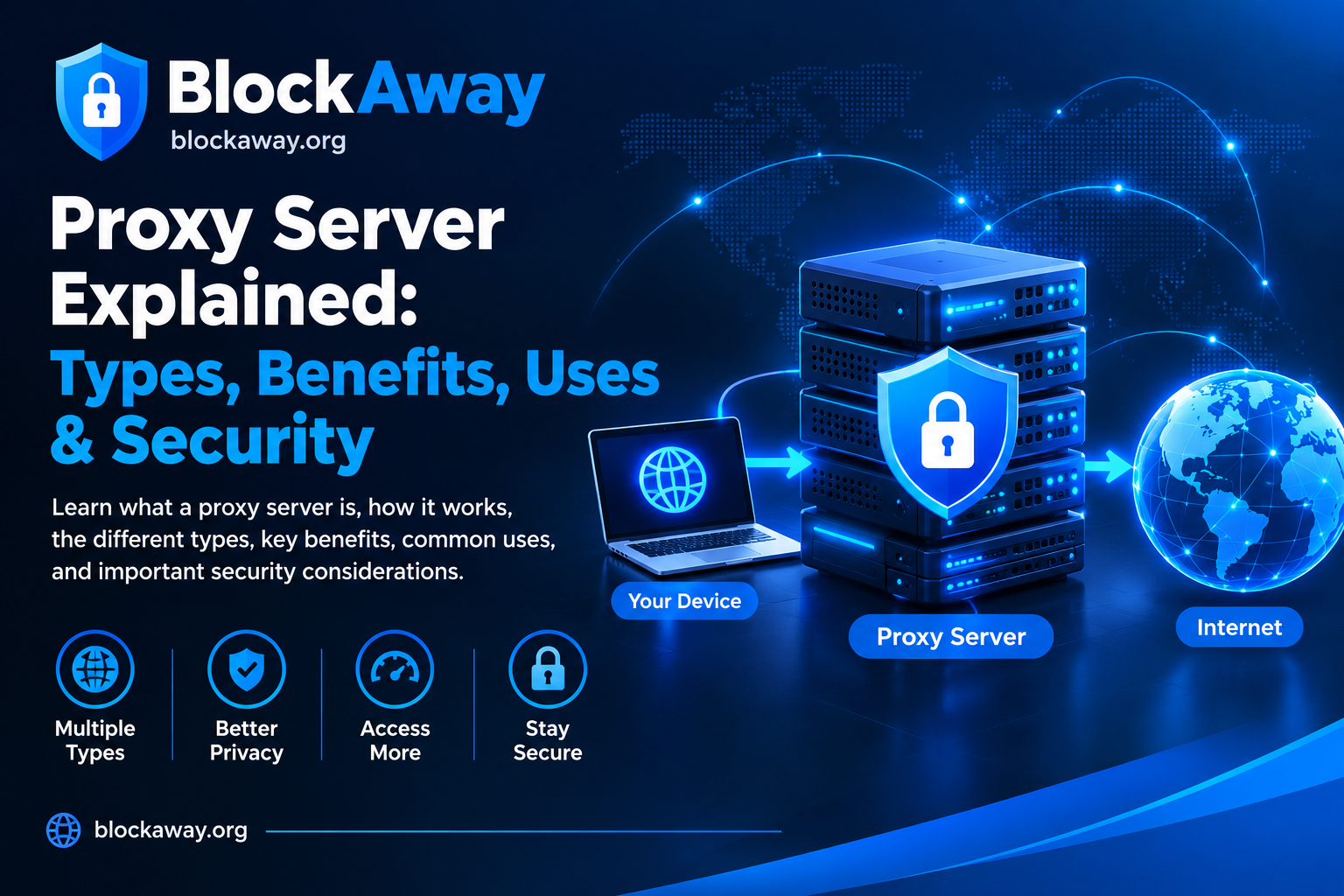
When searching for BlockAway Broken Full, users may be looking for information about BlockAway errors, pages that fail to load, or problems accessing websites through a web proxy. These issues can occur because of connection problems, browser compatibility, temporary service interruptions, or restrictions imposed by destination websites.
BlockAway is associated with browser-based proxy browsing. A proxy routes requests through an intermediary server, but it cannot guarantee access to every website or prevent every connection error.
In this guide, we explain possible reasons BlockAway may not work and practical steps you can take to troubleshoot common problems.
What Does BlockAway Broken Full Mean?
The phrase “BlockAway Broken Full” may refer to a search for BlockAway troubleshooting information or a page that is not functioning correctly. It is not a confirmed technical error name.
If BlockAway appears broken, first identify what is happening. The website might not open at all, a destination page might remain blank, or certain features might fail after loading.
Identifying the specific problem makes troubleshooting easier.
Common Reasons BlockAway May Not Work
1. Temporary Service Interruption
Online proxy services depend on servers and supporting infrastructure. Temporary outages or high traffic can result in connection failures or slow loading.
Try again after a short wait. If the main website itself does not load, the problem may be with the service rather than the destination website.
2. Internet Connection Problems
An unstable Wi-Fi or mobile-data connection can interrupt proxy browsing.
Open a few trusted websites directly in your browser. If they also fail to load, check your connection before troubleshooting BlockAway.
Outdated cached files or website data may cause loading problems.
Clear the relevant cached files from your browser settings, reopen BlockAway, and test again. You can also try a private browsing window to check whether existing browser data is causing the issue.
4. Website Restrictions
Some websites restrict traffic from proxy servers or require security checks that do not work correctly through every proxy.
If other websites load but one particular destination does not, the issue may be specific to that destination. Use the website’s official access method when available.
5. Browser Compatibility
Some websites rely on JavaScript, cookies, video playback, or other browser features that may behave differently through a proxy.
Update your browser and test the page again. If necessary, try another trusted browser.
How to Troubleshoot BlockAway
Follow these practical steps:
Check your connection: Confirm that ordinary websites load correctly.
Reload the page: Retry BlockAway after waiting briefly.
Test another destination: Determine whether the problem affects one website or several.
Try another browser: Check whether browser settings or extensions are responsible.
Wait if the service is unavailable: A temporary server-side issue may resolve without any action on your device.
Avoid downloading unknown applications or browser extensions that claim to repair BlockAway. They may introduce unnecessary security and privacy risks.
Is BlockAway Safe to Use?
A web proxy can change how your browser connects to a destination website, but it should not automatically be considered a complete privacy or security solution.
Before using any proxy service, consider these precautions:
Avoid entering passwords, payment details, or other sensitive information through an untrusted proxy.
Check that the destination website uses HTTPS where appropriate.
Do not assume that proxy browsing makes you completely anonymous.
Keep your browser and device updated.
Follow the access policies of your school, workplace, or network provider.
Possible reasons include a temporary service issue, an unstable internet connection, browser problems, or restrictions imposed by the destination website.
How can I fix BlockAway if it will not load?
Check your internet connection, refresh the page, clear relevant browser cache, and test another browser. If the service is temporarily unavailable, try again later.
Why does BlockAway open but a website does not?
The destination website may restrict proxy traffic or depend on features that do not work properly through the proxy.
Does BlockAway guarantee anonymous browsing?
No proxy should be assumed to guarantee complete anonymity. Your privacy depends on the service, your connection, browser settings, and the websites you visit.
Should I download software to fix BlockAway?
Be cautious. Avoid unknown downloads claiming to fix proxy errors. Start with basic browser and connection troubleshooting instead.
Conclusion
If you searched for BlockAway Broken Full, the first step is to determine whether the problem involves the BlockAway website, your internet connection, or a particular destination page. Basic troubleshooting can help identify the likely cause.
Keep your browser updated, protect sensitive information, and remember that proxy services have technical and privacy limitations. For more information, visit the related BlockAway guides linked above.