Introduction
If you want to access a website that is blocked on your school, college, workplace, or network, you may have heard about BlockAway. It is a web proxy service designed to help users access supported websites through a browser-based interface. But before using any proxy service, one important question comes to mind: Is BlockAway safe?
Online privacy and security are important whenever you browse the internet. A proxy may help you access certain websites, but it does not automatically make your internet activity completely private or protect you from every online threat.
In this guide, we will explain how BlockAway works, its potential benefits and risks, what information you should avoid sharing, and how to use web proxies more safely.
What Is BlockAway?
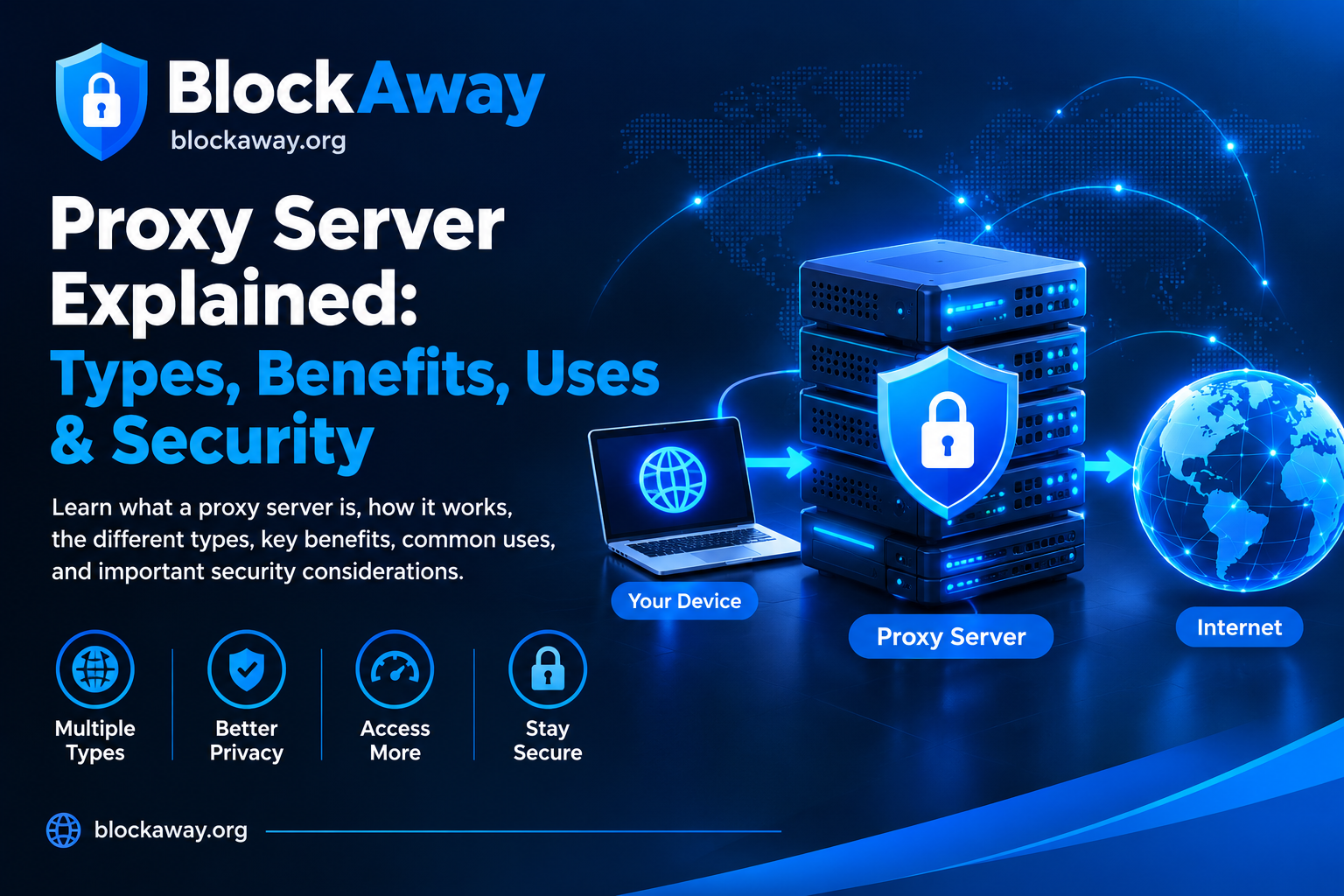
BlockAway is a web-based proxy service that can help users access supported websites through a proxy interface. Depending on the service’s current availability and the website being accessed, a proxy may act as an intermediary between your browser and the destination website.
Instead of connecting directly to a website, your browser sends a request through the proxy. The proxy then attempts to retrieve the requested content and display it to you.
People may use web proxies for several reasons, including:
- Accessing certain websites restricted by a network.
- Browsing supported websites without installing separate software.
- Using a proxy directly from a web browser.
- Testing whether a website is accessible through another connection route.
However, BlockAway should not be treated as a guarantee of anonymity, complete privacy, or protection against malicious websites.
Is BlockAway Safe to Use?
The short answer is that you should use BlockAway cautiously and avoid treating it as a fully secure privacy tool.
A web proxy can be useful for accessing supported websites, but its safety depends on several factors. These include the authenticity of the website you visit, the proxy’s privacy practices, the connection security, and the information you share while browsing.
Simply using a proxy does not guarantee that your activity cannot be monitored. Your internet service provider, network administrator, proxy operator, or the destination website may be able to observe some information, depending on how the connection works.
Before relying on BlockAway for sensitive activity, review its current privacy policy and security information. If those details are unclear, avoid using it for anything involving confidential personal information.
How Does BlockAway Proxy Work?
A web proxy acts as an intermediary between a user and a destination website.
Here is a simplified explanation:
- Open the BlockAway website in your browser.
- Enter the address of a supported website, if the service provides that option.
- BlockAway attempts to retrieve the requested page through its proxy infrastructure.
- The returned content is displayed in your browser if the request succeeds.
The exact process depends on the proxy’s implementation. Some websites may not work correctly through a proxy because they rely on complex scripts, cookies, video players, or other features.
It is also important to understand that a proxy and a VPN are different technologies. A web proxy generally handles traffic routed through its service, while a VPN can route device or application traffic through an encrypted tunnel, depending on its configuration.
Potential Benefits of Using BlockAway
1. Browser-Based Access
One potential advantage of a web proxy is that it can be used directly through a compatible browser. You may not need to install a separate application just to try accessing a supported website.
2. Simple Interface
Web proxies commonly offer a straightforward interface where users enter a website address. This can make them relatively easy to try for basic browsing.
3. Access to Supported Websites
A proxy may help you access a website when a particular network blocks direct access. However, results are not guaranteed, and some websites may still be unavailable.
4. No Separate Proxy Application Required
Depending on the service, you may be able to use its web interface without changing your device’s system-wide network settings.
These potential benefits do not establish that a proxy is secure or that it is appropriate for every browsing activity.
Security Risks You Should Know About
Before using BlockAway or any other web proxy, understand the following risks.
1. Privacy Limitations
A proxy operator may process connection information to provide the service. The exact information collected, stored, or shared depends on the provider’s technical setup and privacy policy.
Do not assume that your browsing history is never recorded unless you have reliable information supporting that claim.
2. Sensitive Information Exposure
Avoid entering passwords, banking information, payment card details, government identification numbers, or confidential work information through an unfamiliar proxy.
For sensitive accounts, access the official website directly using a trusted connection instead.
3. Fake Websites and Impersonation
Websites sometimes imitate popular services to attract visitors. A page using a familiar name or logo is not automatically legitimate.
Check the website address carefully and avoid suspicious copies, unexpected redirects, and pages asking you to download unknown applications.
4. Malicious Advertisements and Redirects
Some proxy websites across the internet may display aggressive advertisements or redirect users to unrelated pages. If this happens, close the page rather than installing unknown software or granting unnecessary permissions.
This is a general risk associated with some proxy websites; it should not be interpreted as a verified finding about every version of BlockAway.
5. Limited Protection Against Malware
A proxy does not automatically scan every downloaded file or make a malicious website harmless. You still need to use an updated browser, reliable security software where appropriate, and good browsing habits.
6. HTTPS and Connection Security
HTTPS helps protect data in transit between your browser and an HTTPS-enabled website. However, using a proxy introduces another service into the connection path, and the precise protection depends on the implementation.
Look for secure connections, but remember that a padlock alone does not prove a website is trustworthy.
Does BlockAway Hide Your IP Address?
A web proxy may cause the destination website to see the proxy server’s IP address rather than your original public IP address for requests that actually pass through that proxy.
However, this does not mean your identity is completely hidden.
Your network provider may still observe that you connected to the proxy. The proxy operator may process connection information, and websites may identify users through account logins, cookies, browser characteristics, or other tracking methods.
Therefore, it is more accurate to say that a proxy may mask your IP address from a destination website in certain circumstances—not that it guarantees complete anonymity.
Is BlockAway Safe for School or College Use?
Some students look for web proxies to access websites on school or college networks. Whether you should use one depends on your institution’s acceptable-use policies and the purpose of the restriction.
If a website is blocked for security, learning, or administrative reasons, attempting to bypass the restriction may violate local rules.
A safer approach is to ask the network administrator or teacher for access when a website is needed for a legitimate educational purpose.
Never use a proxy to access another person’s private account, bypass security controls without authorization, or engage in activity that violates applicable rules.
Is BlockAway Safe for Work?
The same principle applies to workplace networks.
Organizations may restrict websites to protect confidential data, prevent malware infections, and comply with company policies. Using an unapproved proxy can create security risks and may violate workplace rules.
If you need access to a blocked website for your job, contact your IT department and request an approved solution.
Avoid entering company credentials or confidential business information through an unapproved proxy service.
Is BlockAway Safe for Watching Videos?
A web proxy may work with some video websites, but playback is not guaranteed. Compatibility can depend on the destination website, the proxy’s capabilities, browser settings, and network conditions.
For safer viewing:
- Prefer official video websites and legitimate streaming services.
- Do not download unknown video players or browser extensions.
- Avoid pages that request unnecessary permissions.
- Never provide payment details on suspicious pages.
- Use official applications when they are available and appropriate.
A proxy does not grant permission to access copyrighted content unlawfully, nor does it guarantee that video playback will be private.
How to Use BlockAway More Safely
If you decide to use BlockAway, follow these precautions.
Step 1: Check the Website Address
Make sure you are visiting the intended website. Be cautious of misspellings, suspicious domains, and unexpected redirects.
Step 2: Read the Privacy Policy
Look for details about information collection, cookies, data retention, third-party services, and how the operator handles user information.
If the privacy practices are unclear, do not use the service for sensitive activities.
Step 3: Avoid Logging In to Sensitive Accounts
Do not use an unfamiliar proxy to access banking accounts, email accounts containing confidential information, payment services, or work dashboards.
Step 4: Keep Your Browser Updated
Install browser updates from official sources. Updates can fix security vulnerabilities and improve protection against malicious websites.
Step 5: Avoid Unknown Downloads
A proxy should not require you to install a suspicious executable file to browse a website. Do not install unfamiliar applications, certificates, or extensions just because a page tells you to.
Step 6: Do Not Grant Unnecessary Permissions
Be careful if a website requests access to your camera, microphone, notifications, location, or files without a clear reason.
Step 7: Use a Trusted Connection
Avoid conducting sensitive activities on unfamiliar public Wi-Fi networks. If you need stronger network privacy, consider a reputable VPN provider and review its privacy policy and security features.
Step 8: Close Suspicious Pages
If you see repeated pop-ups, fake security warnings, or requests for personal information, leave the page immediately.
BlockAway Proxy vs VPN: Which Is Safer?
A web proxy and a VPN serve different purposes. Neither should be considered automatically safe simply because of its category.
| Feature | Web Proxy | VPN |
|---|---|---|
| Main purpose | Routes supported website requests through a proxy | Routes device or selected application traffic through a VPN tunnel |
| Installation | Often works in a browser | Usually requires an application or system configuration |
| Traffic coverage | Often limited to traffic handled by the proxy | Can cover more device traffic, depending on configuration |
| Encryption | Depends on the connection and implementation | Commonly encrypts traffic between the device and VPN server |
| Privacy | Depends on the proxy operator and destination | Depends on the VPN provider, configuration, and destination |
| Best use | Basic access to supported websites | Broader network protection when properly configured |
For ordinary access to a supported website, a proxy may be convenient. For broader protection on untrusted networks, a reputable, correctly configured VPN may be more appropriate.
Neither tool prevents every form of tracking, phishing, malware, or account compromise.
Can BlockAway Track Your Browsing Activity?
Whether BlockAway records browsing activity depends on how the service operates and what its privacy policy states.
Possible information handled by a proxy service may include connection metadata, requested website addresses, technical logs, cookies, or information needed to troubleshoot errors. This is not a claim that BlockAway collects every type of information listed here.
To evaluate the service, review its current privacy policy and terms. Look for clear explanations of what is collected, why it is collected, how long it is retained, and whether it is shared with third parties.
If the service does not provide enough information to assess these questions, avoid assuming that it offers private or anonymous browsing.
Common Myths About BlockAway Safety
Myth 1: A Proxy Makes You Completely Anonymous
Fact: A proxy may mask your IP address from a destination website, but account logins, cookies, tracking techniques, and other information can still identify you.
Myth 2: A Proxy Protects You From All Viruses
Fact: A proxy does not replace browser updates, safe downloads, or other security measures.
Myth 3: Every Proxy Is Safe
Fact: Proxy services differ in ownership, privacy practices, technical security, and reliability. Evaluate each service independently.
Myth 4: Free Means Private
Fact: A free service may have different business and data-handling practices from a paid service. Price alone does not prove whether a service is safe.
Myth 5: HTTPS Guarantees Total Safety
Fact: HTTPS protects data in transit in specific ways, but it does not prove that a website or proxy operator is trustworthy.
Frequently Asked Questions (FAQs)
Is BlockAway safe to use in 2026?
It may be useful for accessing supported websites, but you should evaluate its current privacy policy and security practices. Avoid using it for sensitive information unless you have a reliable reason to trust the service.
Is BlockAway free?
Availability and pricing can change. Check the official BlockAway website for its current features, access conditions, and any applicable charges.
Does BlockAway hide my IP address?
A proxy may hide your original public IP address from a destination website for requests routed through it. It does not guarantee complete anonymity.
Can I use BlockAway on Android?
You can try accessing a compatible web proxy through a mobile browser, provided the service is available and works with your device. Do not install unknown applications or extensions.
Is BlockAway safer than a VPN?
They are different tools. A proxy may be convenient for specific website requests, while a reputable VPN can protect a broader range of traffic when properly configured. The safer choice depends on your needs and the provider’s practices.
Should I use BlockAway for online banking?
It is better to access banking services directly through the bank’s official website or application and a trusted connection. Avoid routing sensitive financial activity through an unfamiliar proxy.
Does BlockAway guarantee privacy?
No proxy should be assumed to guarantee privacy or anonymity. Review the service’s current policies and understand its limitations before using it.
Final Verdict: Should You Use BlockAway?
So, is BlockAway safe? The most responsible answer is that its safety depends on its current implementation, privacy practices, and how you use it. A web proxy can provide convenient access to supported websites, but it should not be treated as a complete security or anonymity solution.
For safer browsing, avoid sharing sensitive information, verify website addresses, keep your browser updated, and leave suspicious pages immediately. For banking, confidential work, and other sensitive activities, use official websites and trusted connections.
At BlockAway.org, our goal is to help readers understand web proxies, their benefits, and their limitations so they can make informed decisions.
Remember: Convenience should never come at the cost of your personal information. Always evaluate the risks before using any proxy service.
Suggested Internal Links
Add links to these related articles on BlockAway.org when the pages are published:
- BlockAway Not Working? 10 Ways to Fix It — link using the anchor text “BlockAway troubleshooting guide”.
- BlockAway Proxy for Chromebook — link using “using BlockAway on Chromebook”.
- BlockAway for Android — link using “BlockAway on Android”.
- Croxy Proxy Guide — link using “learn about Croxy Proxy”.