Proxy Guides to Web Proxies, Privacy, Security and Browsing
Web Proxies are widely used for browser-based web access, privacy testing, network troubleshooting, and accessing websites through an intermediary server. But proxies are often misunderstood. Many users assume that every proxy provides anonymity, encryption, or the same protection as a VPN. In reality, different proxy technologies work in different ways and provide different levels of privacy and security.
This complete Proxy Guide explains how web proxies work, the major types of proxies, their advantages and limitations, proxy security, proxy vs VPN, common problems, and practical tips for safer proxy usage.
What Is a Web Proxy?
A Web Proxy is an intermediary between a user and a website.
Normally, a browser connects directly to a website:
Browser → Website
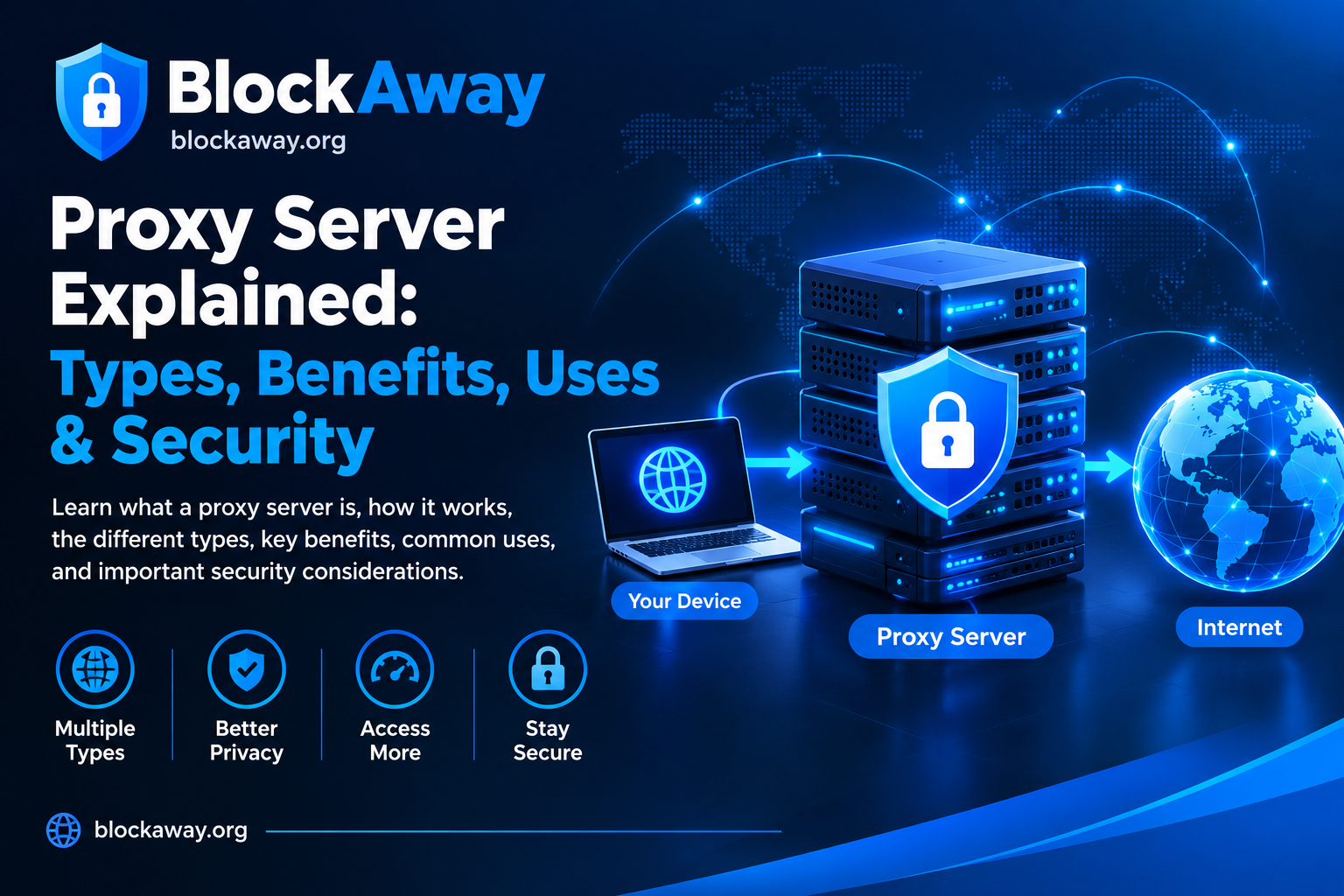
When a web proxy is used, the connection can look like:
Browser → Proxy Server → Website
The proxy receives a request from the browser and forwards it to the destination. The destination may see the proxy server’s network address rather than the user’s direct network address.
The exact behavior depends on the proxy technology, provider, browser, and destination website.
A web proxy can therefore be useful for certain browsing and testing scenarios, but it should not automatically be considered a complete privacy solution.
How Does a Proxy Work?
When you enter a website address into a proxy service, the proxy may process the request before retrieving the requested webpage.
A simplified process is:
- You enter a website address.
- Your browser sends the request to the proxy.
- The proxy processes the request.
- The proxy connects to the destination.
- The destination sends a response to the proxy.
- The proxy returns the response to your browser.
Modern websites can make this process more complicated because they may use JavaScript, cookies, authentication, APIs, content security policies, CAPTCHA systems, and other browser technologies.
As a result, some websites may work normally through a proxy while others may not.
Why Do People Use Proxies?
There are several legitimate reasons to use a proxy.
Browser-Based Testing
Developers and website owners can use proxies to test how websites behave from different network environments.
Privacy Research
Researchers can use proxy infrastructure to understand how IP-based identification and web tracking work.
Network Troubleshooting
A proxy can help diagnose connection and routing problems.
Web Development
Developers may use proxy servers for testing, caching, request inspection, or controlled network environments.
Public Network Browsing
Some users encounter networks where direct access to certain websites is restricted. A proxy may sometimes provide an alternative route, depending on the network and website.
However, users should always follow applicable laws, network rules, and website terms.
Types of Proxies
Not all proxies are the same.
1. Web Proxy
A web proxy is typically accessed through a browser-based webpage.
The user enters a destination URL into the proxy interface, and the service attempts to retrieve it.
This is convenient because it generally does not require installing a separate application.
2. HTTP Proxy
HTTP proxies are designed primarily for HTTP traffic.
They can be used in applications or browsers that support proxy configuration.
3. HTTPS Proxy
HTTPS-capable proxy configurations can handle secure web traffic, but the exact security model depends on the proxy implementation and connection.
Users should understand that the presence of HTTPS does not automatically mean the proxy provider itself is trustworthy.
4. SOCKS Proxy
SOCKS proxies operate at a lower level than typical web proxies and can support different types of network traffic.
SOCKS5 is commonly used because it supports modern authentication and network features.
5. Residential Proxy
Residential proxies generally use IP addresses associated with residential internet connections.
They can be useful for certain legitimate research, testing, and localization purposes.
6. Datacenter Proxy
Datacenter proxies use IP addresses associated with hosting or data-center infrastructure.
They can provide high performance, but websites may sometimes recognize datacenter IP ranges.
7. Transparent Proxy
A transparent proxy generally does not attempt to hide the fact that a proxy is being used.
It can be used for caching, filtering, monitoring, or network management.
8. Anonymous Proxy
An anonymous proxy is designed to reduce the amount of direct client information exposed to the destination.
The actual level of anonymity depends on the implementation.
Proxy vs VPN
One of the most common questions is whether a proxy is the same as a VPN.
They are not.
A browser-based web proxy usually handles requests made through that proxy interface or configured application.
A VPN typically establishes a network-level connection that routes supported device traffic through the VPN server.
Web Proxy
- Usually focused on web traffic
- Can be accessed through a browser
- Often easy to use
- May not protect other applications
- Security depends heavily on the provider
VPN
- Usually operates at the network level
- Can route traffic from multiple applications
- Commonly provides an encrypted tunnel between the device and VPN server
- Requires a VPN application or supported operating-system configuration
Neither technology should be selected solely because it uses words such as “anonymous” or “private.”
Always investigate the provider’s policies and technical implementation.
Does a Proxy Hide Your IP Address?
A proxy can make the destination website see the proxy server’s IP address instead of your direct IP address, depending on the proxy configuration.
However, this does not necessarily mean that the proxy provider cannot see your IP address.
The proxy provider operates the intermediary infrastructure and may be able to process connection information.
Therefore:
Hidden from destination ≠ hidden from proxy provider.
This distinction is important when evaluating privacy.
Does a Proxy Encrypt Traffic?
This depends on the connection.
If you visit an HTTPS website, the connection between the browser and the destination is protected by HTTPS, subject to the normal TLS security model.
However, users should not assume that simply entering a website through a proxy encrypts every part of the connection.
A proxy can also potentially observe or process certain request information depending on its configuration and the protocol being used.
For sensitive information, users should rely on trusted encrypted connections and trusted service providers.
Are Free Proxies Safe?
Free proxies can be convenient, but they deserve additional caution.
A free service may have limited resources, slower servers, advertisements, aggressive redirects, or unclear logging policies.
Before using an unfamiliar proxy, consider:
- Who operates it?
- Is there a privacy policy?
- Does it use HTTPS?
- Does it explain data retention?
- Does it inject advertisements?
- Does it redirect users?
- Does it request unnecessary permissions?
- Is the service reputable?
Never assume that a free proxy is automatically private.
Why Are Some Proxies Slow?
Proxy performance depends on several factors.
Server Distance
A proxy server located far from the user or destination can increase latency.
Server Load
If many users share the same proxy, performance may decrease.
Bandwidth
Limited server bandwidth can slow down downloads and webpages.
Destination Website
The destination itself may be slow or may deliberately restrict proxy traffic.
Proxy Processing
Some web proxies rewrite webpages and process content before sending it to the browser. This additional processing can affect speed.
Why Does a Website Not Load Through a Proxy?
Modern websites can use technologies that are difficult for web proxies to process.
Common causes include:
- JavaScript-heavy applications
- CAPTCHA
- Bot detection
- Cookies
- Login systems
- WebSockets
- Dynamic APIs
- Content Security Policy
- Anti-proxy systems
- Geo-restrictions
- Broken URL rewriting
A proxy that works with a simple webpage may fail with a modern web application.
Proxy Security Checklist
Before using a proxy, consider these security practices.
Use HTTPS
Whenever possible, use secure HTTPS connections.
Avoid Sensitive Credentials
Do not enter banking passwords, financial information, recovery codes, or other sensitive credentials through an untrusted proxy.
Check the Privacy Policy
Understand whether the service collects IP addresses, URLs, cookies, or other technical information.
Keep Your Browser Updated
Browser security updates protect against vulnerabilities unrelated to the proxy itself.
Be Careful With Downloads
Do not automatically trust files downloaded through a proxy.
Avoid Suspicious Redirects
Unexpected redirects, fake warnings, and forced downloads are reasons to leave a website.
Can a Proxy Make You Completely Anonymous?
No.
Online privacy is more complicated than simply changing an IP address.
Websites can potentially use:
- Cookies
- Account information
- Browser characteristics
- Device characteristics
- JavaScript
- Tracking technologies
- Login sessions
- Information submitted by the user
A proxy can change one part of the network connection, but it does not erase every identifier.
This is why claims of “100% anonymous browsing” should be treated cautiously.
Proxy and Cookies
Cookies can affect privacy and functionality.
A web proxy may process, rewrite, forward, or block cookies depending on its architecture.
Some websites require cookies for:
- Login sessions
- Preferences
- Shopping carts
- Security verification
- Personalization
Blocking cookies may improve certain privacy characteristics but can also break website functionality.
Proxy and JavaScript
JavaScript is essential for many modern websites.
Web applications frequently use JavaScript for:
- Navigation
- Authentication
- Search
- Interactive forms
- APIs
- Content loading
- Security checks
Some web proxies modify webpage URLs or content. Those modifications can interfere with JavaScript.
This is one reason a website may appear partially broken when accessed through a proxy.
Proxy for Public Wi-Fi
Public Wi-Fi networks can introduce security risks, particularly when users connect to unknown networks.
A proxy may change how certain web requests are routed, but it should not be considered a replacement for proper network security.
When using public Wi-Fi:
- Prefer HTTPS websites.
- Keep your device updated.
- Avoid unknown downloads.
- Use strong account passwords.
- Enable multi-factor authentication.
- Avoid sensitive transactions on untrusted networks.
- Consider a reputable VPN when appropriate.
- Disconnect from networks you no longer need.
Proxy for Website Testing
Proxies can be valuable for developers and SEO professionals who need to understand how a website behaves under different network conditions.
Possible testing scenarios include:
- Checking HTTP responses
- Testing redirects
- Reviewing localization
- Diagnosing network problems
- Testing caching behavior
- Checking website availability
- Evaluating proxy compatibility
Testing should always respect the destination website’s terms and rate limits.
Proxy and SEO
Proxies can be useful for legitimate SEO research.
For example, professionals may use proxy infrastructure to conduct controlled testing of:
- Search result localization
- Website availability
- Regional content
- Redirect behavior
- Competitor research
- Page response testing
However, automated scraping should be performed responsibly.
High-volume automated requests can overload websites or trigger anti-bot systems.
Proxy and Search Engines
Search engines may treat traffic coming from proxy IP addresses differently.
A proxy IP can have a history of:
- High traffic
- Automated requests
- Multiple users
- Abuse reports
- CAPTCHA triggers
Consequently, search engines may request additional verification or temporarily limit certain requests.
This does not necessarily mean the destination website is unavailable.
Proxy vs Private Search
A proxy and a privacy-focused search engine solve different problems.
A proxy changes how certain web traffic is routed.
A private search engine focuses on how search queries and search-related data are handled.
Using a private search engine does not automatically make every website you visit private.
Similarly, using a proxy does not automatically make your search activity anonymous.
Understanding this difference is essential.
Common Proxy Problems
Error 403
The destination may be refusing the request.
Error 429
The destination may be rate-limiting requests.
CAPTCHA
The website may require verification because the traffic appears automated or unusual.
Blank Page
JavaScript, cookies, or proxy rewriting may be causing compatibility problems.
Images Not Loading
The proxy may not correctly rewrite image URLs or resource requests.
Login Not Working
Authentication systems may not function correctly through a web proxy.
Redirect Loop
The destination and proxy may repeatedly redirect the request.
How to Troubleshoot Proxy Problems
If a website does not work correctly:
- Refresh the page.
- Try a different browser.
- Clear cached website data.
- Check whether JavaScript is enabled.
- Try the original website directly.
- Check whether the website itself is experiencing an outage.
- Try another trusted connection.
- Avoid repeatedly refreshing pages protected by CAPTCHA or rate limits.
If the website works normally without the proxy, the proxy may be responsible for the compatibility issue.
Are Proxy Servers Legal?
Proxy technology itself is generally a legitimate networking technology.
It is used by:
- Businesses
- Developers
- Schools
- Researchers
- Security professionals
- Network administrators
- Individual users
However, what a person does through a proxy can still be subject to laws, contracts, network policies, and website terms.
Users should not use proxy services to facilitate unlawful activity or bypass security controls they are not authorized to bypass.
Frequently Asked Questions
What is a proxy?
A proxy is an intermediary that forwards network requests between a client and a destination.
What is a web proxy?
A web proxy is designed primarily for browser-based web access.
Does a proxy hide my IP?
A proxy can cause the destination to see the proxy’s IP instead of your direct IP, depending on the implementation.
Is a proxy the same as a VPN?
No. A VPN generally provides broader device/network-level routing, while a web proxy is often limited to browser-based or application-specific traffic.
Are free proxies safe?
Not necessarily. Free services should be evaluated carefully for security, privacy, reliability, and logging practices.
Can I use a proxy on my phone?
Some proxies can be accessed through a mobile browser, while others require device or application configuration.
Why is my proxy slow?
Distance, server load, bandwidth limitations, destination performance, and proxy processing can all affect speed.
Why does a proxy show CAPTCHA?
The destination may detect unusual traffic or recognize the proxy IP as shared or automated traffic.
Does a proxy provide complete anonymity?
No. A proxy changes certain aspects of network routing but does not eliminate every online identifier.
Should I use a proxy for banking?
It is generally safer to access sensitive financial services directly through a trusted connection rather than through an unknown public proxy.
Final Thoughts
A web proxy can be a useful networking tool, but understanding its limitations is just as important as understanding its benefits.
Proxies can provide intermediary web access, support testing, and help with certain network scenarios. However, they do not automatically provide complete anonymity, and they should not be treated as a replacement for every other privacy or security technology.
For safer browsing, use HTTPS, keep your software updated, protect your accounts with strong authentication, and choose proxy or VPN providers carefully.
The most important rule is simple:
Understand what the proxy actually does before trusting it with your data.