Choosing between a VPN and a proxy can be confusing, especially if you want to improve online privacy, protect your connection, or access websites through an intermediary server. Both technologies can route internet traffic through another server, but they work differently and offer different levels of protection.
A proxy is often used for browser access, website testing, and basic IP address masking. A Virtual Private Network (VPN), on the other hand, creates an encrypted connection between your device and a VPN server. This makes a VPN useful for people who want additional protection when using public Wi-Fi or browsing sensitive websites.
In this guide, we explain the difference between a VPN and a proxy, compare their security features, discuss their advantages and limitations, and help you choose the right option for your needs.
What Is a VPN?
A Virtual Private Network, commonly known as a VPN, creates an encrypted tunnel between your device and a VPN server. Internet traffic routed through that tunnel is protected from many forms of local network monitoring.
When you connect to a VPN, websites generally see the VPN server’s public IP address instead of your original public IP address. Your internet service provider can typically see that you are connected to a VPN server, but properly encrypted traffic makes it harder to inspect the contents of that traffic.
VPNs are commonly used for:
Protecting internet traffic on public Wi-Fi.
Reducing exposure to local network monitoring.
Masking the original IP address from destination websites.
Connecting securely to workplace or private networks.
Accessing online services while travelling, subject to the services’ terms and local laws.
However, a VPN does not make you completely anonymous. VPN providers may have access to certain connection information, and websites can still track you through cookies, account logins, and browser fingerprinting.
What Is a Proxy Server?
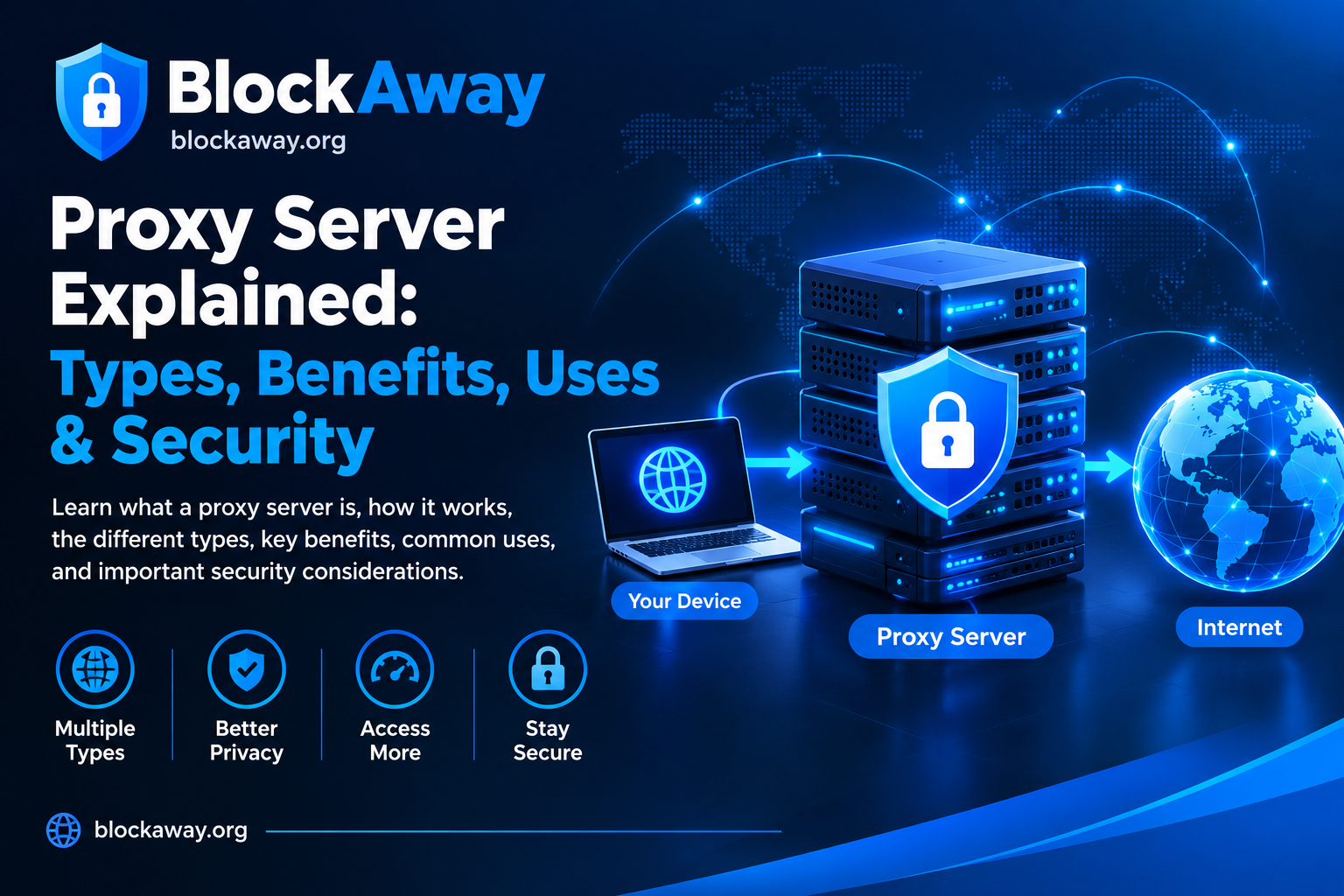
A Proxy Server acts as an intermediary between your device and a destination server. Instead of connecting directly to a website, your request passes through the proxy.
For example, when you use a web proxy, you enter a website address into the proxy interface. The proxy retrieves or forwards the requested content and returns the response to your browser.
Many proxies are designed for specific applications or browsers rather than the entire device. Some mask your IP address, while others may provide filtering, caching, or network access controls.
Common proxy types include:
Web proxies: Allow users to access websites through a browser-based interface.
Transparent proxies: Often operate without requiring users to configure a proxy manually.
Anonymous proxies: Attempt to hide the user’s original IP address from destination websites.
Residential proxies: Route traffic through IP addresses associated with residential internet connections.
A proxy does not necessarily encrypt all traffic. Whether your connection is encrypted depends on the protocol, configuration, and use of HTTPS.
VPN vs Proxy: Key Differences
Although VPNs and proxies can both route traffic through another server, they are not interchangeable.
Feature
VPN
Proxy
Main purpose
Encrypted network connection
Intermediary traffic routing
IP address masking
Usually yes for routed traffic
Usually, depending on configuration
Encryption
Encrypts traffic between device and VPN server
Not necessarily
Coverage
Often device-wide or application-specific
Often limited to a browser or application
Setup
Requires a VPN app or network configuration
May work through browser settings or a web interface
Performance
Depends on server distance, load, and protocol
Depends on proxy type, server load, and routing
Privacy
Depends on provider and configuration
Depends on provider and configuration
Best suited for
Secure connections and broader traffic protection
Specific browsing and routing tasks
The most important difference is that a VPN typically encrypts traffic between your device and the VPN server, whereas a proxy may only forward requests without providing equivalent encryption.
Which Is More Secure: VPN or Proxy?
For protecting internet traffic on an untrusted network, a properly configured VPN is generally the stronger option because it encrypts traffic between your device and the VPN server.
Consider what happens when you connect to public Wi-Fi at an airport, hotel, or café. A VPN can help protect the contents of traffic routed through its encrypted tunnel from other people on the local network.
A proxy alone does not automatically provide the same protection. If traffic between your device and the proxy is unencrypted, someone with the ability to monitor that connection may be able to observe information transmitted over it.
However, HTTPS remains important regardless of whether you use a VPN or proxy. HTTPS encrypts the connection between your browser and the destination website. A VPN adds another encrypted layer between your device and the VPN server, while a proxy’s protection depends on its specific implementation.
Neither option guarantees complete security. You should still use strong passwords, enable multi-factor authentication, keep software updated, and avoid downloading suspicious files.
VPN vs Proxy for Online Privacy
Both technologies can help mask your original IP address from a destination website, but IP masking is only one part of online privacy.
How a VPN affects privacy
A VPN changes the apparent source IP address for traffic routed through its server. It can also reduce the visibility of traffic contents to your internet provider when the traffic is properly encrypted.
However, the VPN provider becomes an important part of your trust model. Depending on its systems and policies, it may process connection metadata or other information. A privacy policy alone is not proof that a provider never collects data.
Before choosing a VPN, review its logging policy, ownership, security practices, independent audits, and available privacy features.
How a proxy affects privacy
A proxy can hide your original IP address from a destination website, but the proxy operator may be able to observe some information about your connection.
Free web proxies deserve particular caution. Some may display advertisements, collect usage data, or have unclear privacy policies. Avoid entering passwords, payment details, or other sensitive information into a proxy service unless you have a strong reason to trust its security and handling of your data.
For sensitive activities, using HTTPS and a reputable service is essential.
VPN vs Proxy for Streaming
People sometimes use VPNs and proxies to change the apparent location of their internet connection. However, streaming platforms may restrict access based on licensing agreements, account settings, or regional availability.
A VPN may work with some streaming services, but success is not guaranteed. Streaming providers frequently detect and restrict VPN or proxy traffic.
A web proxy may be less suitable for streaming because it can have limited bandwidth, slower performance, or incomplete support for video playback.
If streaming is your main purpose, compare the provider’s speed, device compatibility, privacy policy, and streaming-service terms before paying for a subscription. Do not assume that every VPN or proxy will work with every platform.
VPN vs Proxy for Public Wi-Fi
Public Wi-Fi networks can be convenient, but you should not assume that every network is trustworthy.
A properly configured VPN can protect routed traffic between your device and the VPN server. This is especially useful when you need to access email, work systems, or other online services on a network you do not control.
A proxy may route browser traffic through another server, but it does not necessarily encrypt the connection between your device and that server.
Regardless of your choice, use websites with HTTPS, keep your operating system updated, disable automatic connections to unknown Wi-Fi networks, and use multi-factor authentication for important accounts.
Is a Free VPN Better Than a Free Proxy?
Not necessarily. Free VPNs and free proxies offer different features, limitations, and privacy trade-offs.
A free VPN may impose monthly data limits, restrict server locations, reduce connection speeds, or offer fewer advanced features. Some free providers may also collect data or rely heavily on advertising, so their policies deserve careful review.
Free proxies can be convenient for occasional browsing, but their security, reliability, and privacy practices vary widely. Some may be slow, block certain websites, or stop working without warning.
When comparing free services, check:
Whether the provider clearly explains how it handles user data.
Whether HTTPS is supported correctly.
Whether the service imposes data or speed limits.
Whether the provider has a clear business model.
Whether independent security assessments are available.
Whether the service requires unnecessary permissions or personal information.
A free service is not automatically unsafe, and a paid service is not automatically trustworthy. Evaluate the provider rather than relying on price alone.
Can You Use a VPN and a Proxy Together?
Yes, it is technically possible to route traffic through both a VPN and a proxy. However, doing so can make your connection more complicated and may reduce speed or cause compatibility problems.
For example, an application might send its traffic through a proxy while the device is connected to a VPN. The actual routing order depends on the device, software, and configuration.
Using both tools does not automatically double your security or anonymity. Misconfigured routing can expose information you intended to protect, and either provider may still process connection metadata.
For most everyday users, a reputable VPN with appropriate security settings or a trusted proxy for a specific task is easier to manage than combining multiple services.
VPN vs Proxy: Which One Should You Choose?
The best option depends on what you want to accomplish.
Choose a VPN if:
You want an encrypted connection on public Wi-Fi.
You want to route traffic from multiple applications through a protected tunnel.
You need a secure connection to a private or workplace network.
You are comfortable reviewing and trusting a VPN provider’s privacy practices.
Choose a proxy if:
You need to route traffic from a particular browser or application.
You want to test a website from a different network environment.
You need a simple intermediary for non-sensitive browsing.
You understand the proxy’s limitations and privacy policy.
If your main goal is to access a website through a browser without installing a separate application, a web proxy may be convenient. For broader connection protection, a properly configured VPN is generally more appropriate.
How to Choose a Reliable VPN or Proxy Provider
Before using any service, evaluate its security and privacy practices rather than choosing based only on marketing claims.
1. Read the privacy policy
Check what information the provider collects, how long it retains that information, and whether it shares data with third parties.
2. Check encryption and HTTPS support
A VPN should clearly explain its encryption and security protocols. For proxy browsing, confirm that HTTPS connections are handled correctly and avoid entering sensitive information into untrusted services.
3. Review performance and reliability
Connection speed depends on server distance, server load, your internet connection, and the service’s infrastructure. Look for recent, independent performance testing where available.
4. Check compatibility
Make sure the service supports your operating system, browser, and intended applications.
5. Avoid unrealistic claims
No VPN or proxy can guarantee complete anonymity, prevent every form of tracking, or protect against all malware. Be cautious of providers that promise absolute privacy without explaining their limitations.
Frequently Asked Questions
Is a VPN the same as a proxy?
No. Both can route traffic through another server, but a VPN generally creates an encrypted tunnel for routed traffic. A proxy may simply forward requests and does not necessarily encrypt the connection.
Does a proxy hide my IP address?
A proxy generally presents its own IP address to the destination website, which can mask your original public IP address. The result depends on the proxy’s configuration and the information it forwards.
Is a VPN safer than a proxy?
For encrypting traffic between your device and an intermediary server, a properly configured VPN generally provides stronger protection. Overall safety still depends on the provider, configuration, and how you use the service.
Can websites detect VPNs and proxies?
Yes. Websites may identify known VPN or proxy IP addresses, examine connection characteristics, or apply other detection methods. Access is not guaranteed.
Should I use a free VPN or a free proxy?
Choose based on your needs and the provider’s trustworthiness. Review privacy policies, security features, limitations, and independent assessments before using either option.
Does a VPN make me completely anonymous?
No. A VPN can mask your IP address from destination websites and encrypt traffic to the VPN server, but it cannot eliminate all tracking. Cookies, account logins, browser fingerprinting, and provider-side data collection may still affect privacy.
Conclusion
The difference between a VPN and a proxy comes down to how they route traffic and what protection they provide. A proxy is useful for specific browsing and network tasks, while a properly configured VPN generally offers broader traffic protection through encryption.
Neither technology guarantees complete anonymity or security. The right choice depends on your privacy requirements, the applications you use, your budget, and how much you trust the service provider.
At BlockAway.org, understanding proxy technology can help users make more informed decisions about browsing tools, IP address masking, and online privacy. Always review a service’s security features and limitations before relying on it for sensitive activity.