Online privacy has become an important concern for internet users. People often use proxy servers to access websites, change the IP address visible to a destination website, or understand how their internet traffic is routed. But does using a proxy actually make you anonymous online?
The short answer is no. A proxy can provide a degree of IP address masking, depending on how it works, but it does not guarantee complete anonymity. Websites may still recognize visitors through account logins, cookies, browser characteristics, and other tracking technologies.
In this guide, we explain how proxy servers affect online privacy, what information they may hide, what they cannot protect, and how to browse more safely.
What Is a Proxy Server?
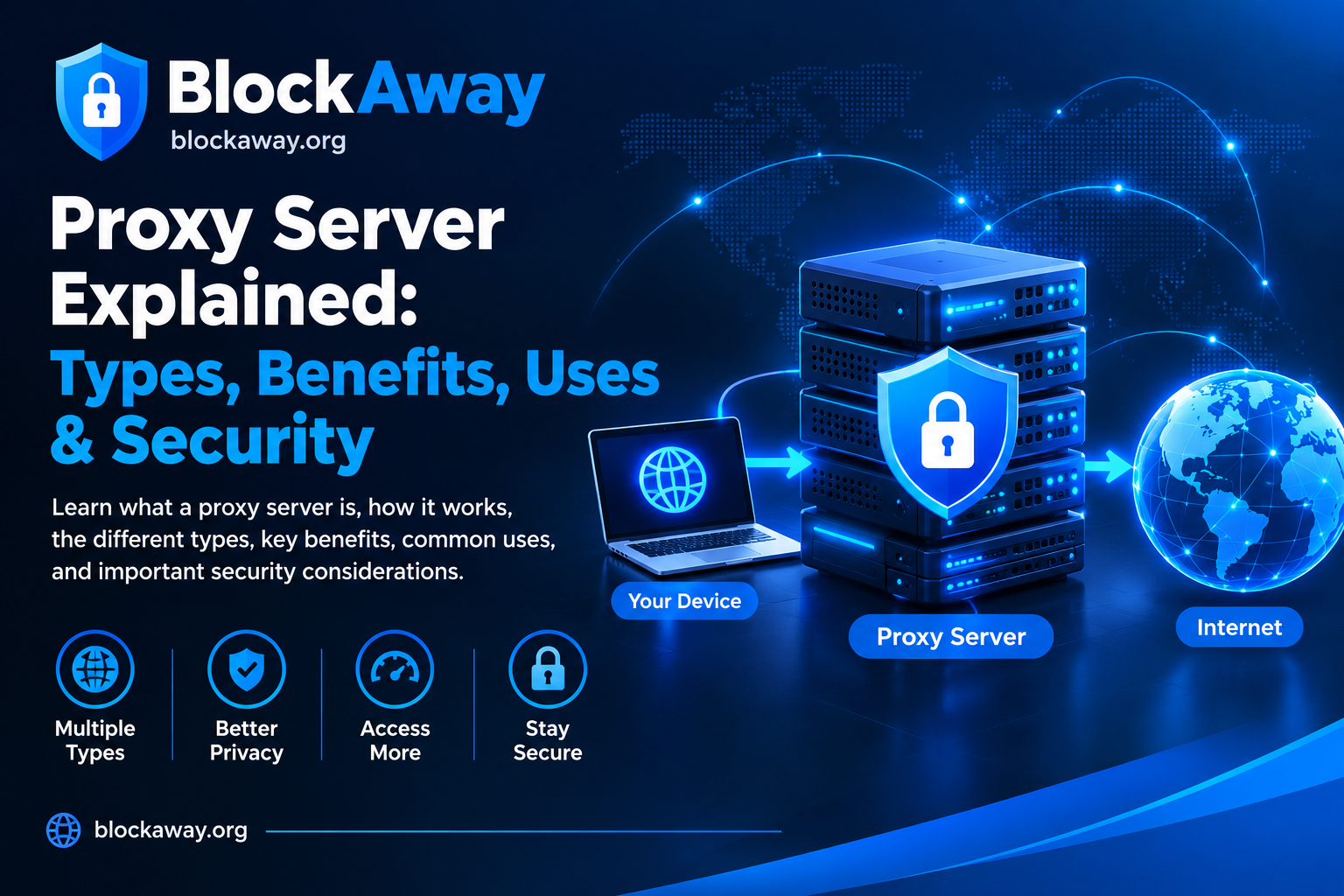
A proxy server acts as an intermediary between a user’s device or browser and a destination website. Instead of sending a request directly to the website, the request passes through the proxy server.
When the destination website receives the request, it may see the proxy server’s IP address rather than the user’s original public IP address.
The exact behavior depends on the proxy configuration, the information forwarded in the request, and the website being accessed.
Common types of proxies include:
Web proxies: Browser-based services that forward supported website requests.
HTTP proxies: Proxies designed to handle HTTP traffic and, depending on configuration, HTTPS connections through tunneling.
SOCKS proxies: Proxies that can handle different kinds of network traffic supported by the implementation.
Residential proxies: Services that route traffic through IP addresses associated with residential internet connections.
Reverse proxies: Servers that sit in front of destination servers to manage incoming requests, security, caching, or load distribution.
These technologies serve different purposes. Not every proxy is designed primarily for personal privacy.
Does a Proxy Make You Anonymous?
A proxy does not automatically make you anonymous online.
It may hide your original public IP address from a destination website when your request is routed through the proxy. However, IP address masking is only one part of online privacy.
Websites can use other information to recognize or track visitors, including:
Cookies and stored browser data
Account logins and profile information
Browser and device characteristics
Website activity and interaction patterns
Information voluntarily entered into forms
Tracking technologies embedded in webpages
For example, if you sign in to a personal account while using a proxy, the website can still associate your activity with that account.
A proxy can therefore change how a connection reaches a website without eliminating every way a website may identify a visitor.
What Information Can a Proxy Hide?
The information hidden by a proxy depends on its configuration and the connection being used.
Your Original Public IP Address
When traffic passes through a correctly configured proxy, the destination website may see the proxy’s IP address instead of your original public IP address.
This can reduce the amount of direct IP address information the destination website receives.
However, some proxies may forward identifying information in request headers, and not every connection is necessarily routed through the proxy.
A proxy acts as an intermediary for the requests it handles. The destination website may receive those requests from the proxy rather than directly from your device.
This does not mean your internet service provider or network administrator can never see that you are connecting to a proxy. The information visible to them depends on the network setup, encryption, and other technical factors.
Your IP Address in Some Website Logs
A destination website may record the proxy server’s IP address in its connection logs. The proxy operator may maintain separate logs, depending on its policies and technical systems.
Users should not assume that a proxy service keeps no logs unless its privacy practices have been clearly explained and independently verified.
What a Proxy Cannot Automatically Hide
Understanding a proxy’s limitations is just as important as understanding its benefits.
1. Your Account Identity
If you log in to an account, the service can associate your activity with that account regardless of whether you use a proxy.
A proxy does not remove account identifiers or make a logged-in session anonymous.
2. Cookies and Tracking Data
Cookies can store information that helps websites maintain sessions and recognize returning visitors.
If cookies or other identifiers remain available, a website may continue to recognize a browser even when its apparent IP address changes.
3. Browser Fingerprinting
Some websites use browser characteristics, such as supported features and configuration details, to help distinguish visitors.
A proxy does not automatically prevent browser fingerprinting. The amount of identifying information available varies by browser and website.
4. Information You Share Yourself
A proxy cannot prevent you from revealing personal information through forms, messages, uploaded files, or account profiles.
If you enter your real name, email address, phone number, or other personal details, the website may receive that information directly.
5. Malware and Phishing
A proxy is not a complete antivirus or anti-phishing solution.
It does not automatically make malicious downloads safe, verify the legitimacy of a website, or protect you from every fraudulent message.
Use reputable security software and remain cautious when opening unfamiliar links or files.
Can a Proxy Hide Your Activity From Your Internet Provider?
Not completely in every situation.
When you use a proxy, your internet service provider may still be able to observe a connection to the proxy server. If the connection is encrypted, the provider generally has less visibility into the contents of that encrypted connection, but other metadata may remain visible.
The precise information available depends on the protocol, encryption, device configuration, and network environment.
A proxy should not be treated as a guarantee that all browsing activity is hidden from an internet provider, employer, school, or network administrator.
Proxy vs. VPN: Which Provides Better Privacy?
Proxies and virtual private networks (VPNs) work differently. The right option depends on what you want to protect.
Web Proxy
A browser-based web proxy generally handles requests made through its supported interface.
Potential advantages include convenient access through a browser and no need to configure every application on the device.
Limitations include website compatibility issues, provider-dependent privacy practices, and the fact that other applications may connect directly to the internet.
VPN
A VPN typically creates an encrypted tunnel for traffic covered by its configuration. Depending on the application and settings, it can route traffic from multiple applications rather than only requests made through a web proxy interface.
However, a VPN does not automatically provide complete anonymity. The VPN provider may process connection metadata, and websites can still identify logged-in users or use tracking technologies.
Which Should You Choose?
Choose a tool based on your specific privacy requirements. Review its encryption, privacy policy, traffic coverage, security practices, and reputation.
Neither a proxy nor a VPN should be treated as a substitute for safe browsing habits.
How to Browse More Privately When Using a Proxy
If you decide to use a proxy, the following practices can help reduce some privacy risks.
Use a Reputable Provider
Review the service’s privacy policy, security information, terms of use, and available documentation. Be cautious about providers that make unrealistic promises about total anonymity.
Prefer HTTPS Websites
HTTPS helps protect information exchanged between your browser and the relevant website endpoint. However, when a proxy is involved, the exact protection depends on how the connection is implemented and whether the proxy can inspect or modify traffic.
Do not ignore certificate warnings.
Avoid Entering Sensitive Information
Do not use an unfamiliar proxy for banking, financial transactions, sensitive business accounts, or other activities that require a high level of trust.
Review Browser Privacy Settings
Consider limiting unnecessary third-party cookies, reviewing site permissions, and keeping your browser updated.
These settings may reduce some forms of tracking, although they cannot guarantee anonymity.
Be Careful With Downloads
Files accessed through a proxy can still contain malware or other unwanted software. Download files only from sources you trust and use appropriate security protections.
Understand the Provider’s Data Practices
Check whether the proxy provider explains what connection data it collects, how long it retains that data, and under what circumstances it may disclose information.
Do not assume that every proxy service follows the same logging practices.
Are Free Web Proxies Safe for Anonymous Browsing?
Free web proxies can be convenient for occasional browsing, but their privacy and security practices vary.
Some services may collect technical information to operate the service, troubleshoot errors, prevent abuse, or support their business model. Others may have limited transparency about their data handling.
Before using a free proxy, consider these questions:
Is there a clear privacy policy?
Does the provider explain its data collection practices?
Is the connection handled securely?
Does the service make realistic privacy claims?
Does it require unnecessary permissions or software installation?
Can you use the destination website directly instead?
If you cannot establish that a service is trustworthy, avoid sending sensitive information through it.
Fact: A proxy may mask your public IP address from a destination website, but other identifiers can still reveal or link your activity.
Myth 2: Every Proxy Encrypts Your Traffic
Fact: Encryption depends on the protocols and connection setup. A proxy does not automatically encrypt every connection from your device.
Myth 3: A Proxy Prevents All Tracking
Fact: Cookies, account logins, browser characteristics, and other tracking technologies may still work.
Myth 4: A Free Proxy Is Always Private
Fact: Privacy depends on the provider’s actual practices, technical implementation, and transparency—not simply on whether the service is free.
Myth 5: A VPN Guarantees Complete Anonymity
Fact: A VPN can protect covered traffic through an encrypted tunnel, but it cannot eliminate every form of identification or tracking.
Frequently Asked Questions
Does a proxy hide my IP address?
A properly configured proxy may cause a destination website to see the proxy server’s IP address instead of your original public IP address. The result depends on how the proxy handles the connection.
Can websites track me while I use a proxy?
Yes. Websites may use cookies, account information, browser characteristics, and other tracking methods that are not eliminated by IP address masking.
Can my internet provider see that I use a proxy?
Your provider may be able to observe a connection to the proxy server. The amount of additional information visible depends on encryption and the network configuration.
Is a proxy better than a VPN for privacy?
Neither option is automatically best for every situation. A web proxy may handle selected browser requests, while a VPN can route traffic covered by its encrypted tunnel. Compare their actual features and privacy practices.
Are anonymous proxy servers completely anonymous?
No service should be assumed to provide complete anonymity. A proxy may reduce exposure of your original IP address to a destination website, but other identifying information can remain available.
Should I use a proxy for online banking?
An unfamiliar proxy is generally a poor choice for banking or other sensitive activities because the provider may introduce additional security and privacy risks. Prefer a trusted, secure connection and follow your bank’s security guidance.
Conclusion
A proxy can help mask your original public IP address from destination websites, but it does not make you completely anonymous online.
Websites may still recognize users through account logins, cookies, browser fingerprinting, and information shared directly. Proxy providers may also process connection information, depending on their technical setup and privacy practices.
For better online privacy, understand the limitations of proxy technology, use reputable services, keep your browser updated, and avoid sending sensitive information through untrusted intermediaries.
Learning how proxies work is a useful first step toward making informed decisions about online privacy and secure browsing.