A web proxy can help users access websites through an intermediary server, but sometimes it may stop working as expected. A website might fail to load, display a blank page, show a connection error, or remain stuck on a loading screen.
If your web proxy is not working, the cause could be a temporary server issue, browser compatibility problem, network restriction, incorrect configuration, or a website that does not support proxy connections.
In this guide, you will learn why a web proxy may not work and how to troubleshoot common problems step by step.
What Is a Web Proxy?
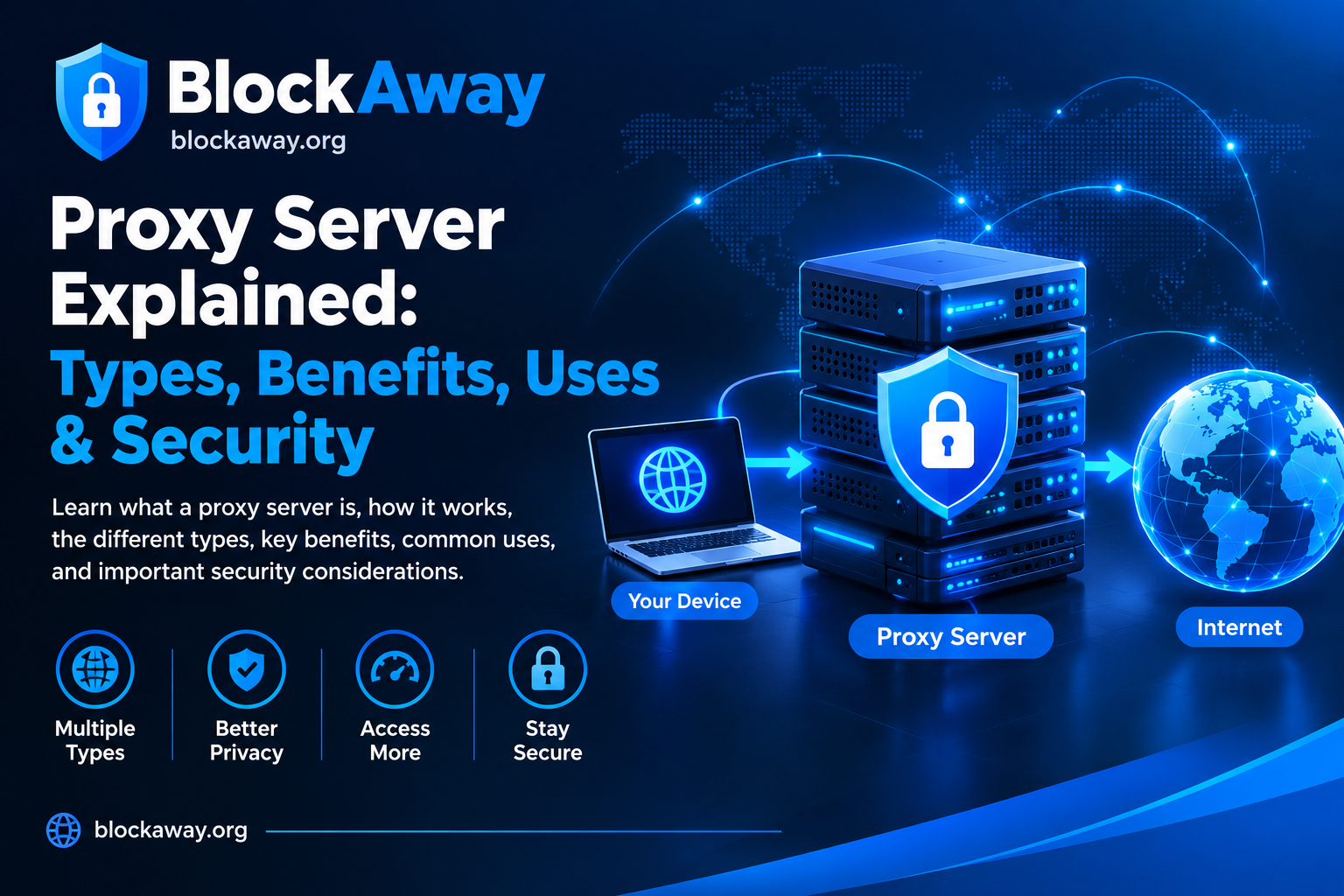
A web proxy is an intermediary between a user’s browser and a destination website. Instead of connecting directly to the destination, the browser sends a request through the proxy service, which attempts to retrieve the requested content.
Browser-based proxy services can be convenient because they may not require a separate application. However, they cannot guarantee that every website will load correctly.
Some websites use advanced scripts, security checks, authentication systems, or technical features that may not work properly through a proxy.
10 Reasons Why Your Web Proxy Is Not Working
1. The Proxy Server Is Temporarily Unavailable
One of the most common reasons a proxy stops working is a temporary server problem.
A proxy service may experience maintenance, excessive traffic, connection failures, or other technical issues. In these situations, pages may load slowly or fail completely.
How to fix it:
Wait a few minutes and try again.
Reload the proxy webpage.
Check whether the proxy service’s homepage is accessible.
If the service provides an official status page, check for reported outages.
Try again later if the problem appears temporary.
If the proxy server itself is unavailable, changing browser settings may not solve the problem.
2. Your Internet Connection Is Unstable
A proxy depends on a working internet connection. If your Wi-Fi or mobile data connection is unstable, the proxy may fail to connect to the requested website.
How to fix it:
Open another website without using the proxy.
Check whether other pages load normally.
Switch between Wi-Fi and mobile data, if available.
Restart your router if other websites also fail to load.
Try the proxy again once your connection is stable.
If normal websites also fail to open, troubleshoot your internet connection before focusing on the proxy.
3. The Destination Website Blocks Proxy Traffic
Some websites restrict requests from known proxy servers. They may display a security warning, request additional verification, or refuse the connection.
This can happen because a website uses automated abuse prevention, traffic filtering, or access policies.
How to fix it:
Read the error message shown by the destination website.
Complete legitimate verification steps when available.
Check whether the website permits access through a proxy.
Use the website’s normal connection if proxy access is not supported.
Not every website can be accessed through every proxy service. Repeated requests may also trigger additional security checks.
4. The Website Does Not Work Properly Through a Proxy
Some websites rely on JavaScript, cookies, dynamic content, or browser features that a proxy may not handle correctly.
As a result, a page might appear incomplete, buttons may not work, or the website may remain blank.
How to fix it:
Reload the page.
Check whether JavaScript and cookies are enabled where required.
Try a different supported browser.
Test another non-sensitive website to determine whether the problem affects one site or all sites.
If the destination website remains incompatible, access it directly when possible.
A website compatibility problem does not necessarily mean the proxy server is broken.
5. Your Browser Cache or Cookies Are Causing Problems
Outdated cached files or corrupted cookies can sometimes interfere with website loading.
This is particularly relevant when a website repeatedly redirects, displays an old page, or fails after previously working.
How to fix it:
Reload the page.
Open the website in a private browsing window for testing.
If the issue persists, clear the relevant browser cache and cookies.
Restart the browser and try again.
Clearing cookies may sign you out of websites. Avoid deleting saved information unless you understand the consequences.
6. The Proxy URL or Configuration Is Incorrect
Manually configured proxies may fail because of an incorrect server address, port, authentication setting, or connection protocol.
Browser-based proxies usually manage their own connection settings, while system or application proxies may require manual configuration.
How to fix it:
Verify the proxy server address and port.
Confirm that the selected proxy protocol is supported.
Check authentication details if the service requires them.
Review your device’s proxy settings.
Disable an outdated manual configuration only if you know it is no longer needed.
Do not copy random proxy addresses from untrusted websites. Unknown proxy servers may monitor traffic or expose users to security risks.
7. Your Network or Firewall Is Blocking the Proxy
Schools, workplaces, public Wi-Fi networks, and managed devices may restrict proxy connections.
Security software or firewall rules may also block certain network requests.
How to fix it:
Check whether the network administrator has restricted proxy services.
Review any firewall notification.
Test your connection on another permitted network.
Contact the network administrator if the device is managed by your school or employer.
Follow applicable network policies rather than attempting to bypass security controls without authorization.
8. The Proxy Is Too Slow
A web proxy adds an intermediary to the connection. Performance depends on server capacity, network distance, traffic levels, and the destination website.
A slow proxy may take a long time to load pages or time out before the request finishes.
How to fix it:
Test your normal internet speed.
Close unnecessary browser tabs.
Try again during a less busy period.
Avoid loading large files through an unreliable proxy.
Consider a reputable alternative if performance remains consistently poor.
A proxy cannot guarantee faster browsing. In some cases, it may be slower than a direct connection.
9. HTTPS or Security Verification Is Failing
Modern websites often use HTTPS encryption and additional security checks. Some websites may not function properly through a proxy, particularly when authentication, certificates, or browser security mechanisms are involved.
How to fix it:
Check the browser’s exact error message.
Confirm that your device’s date and time are correct.
Update your browser.
Use the destination website directly if the proxy causes a certificate warning.
Never ignore certificate warnings or install unknown certificates just to make a proxy work.
HTTPS protects the connection between the browser and the relevant endpoint, but the security properties of a proxy depend on how the service is implemented. Avoid entering sensitive information through an untrusted intermediary.
10. The Proxy Service Has Reached a Limit
Some proxy services may impose usage limits, temporary rate limits, supported-site restrictions, or other access conditions.
If a service stops working after repeated requests, a limit or security restriction may be responsible.
How to fix it:
Review the provider’s usage rules.
Check whether the service displays a limit or access warning.
Wait if the restriction is temporary.
Contact the provider if the service offers support.
Consider another legitimate service if your needs exceed the available features.
Do not assume that every web proxy offers unlimited access.
How to Find Out Whether the Proxy or Website Is the Problem
Use this simple troubleshooting sequence:
Open a normal website directly in your browser.
Visit the proxy service’s homepage.
Try accessing a different, non-sensitive destination website through the proxy.
Read any error message carefully.
Test the same proxy in an updated browser.
If the proxy fails on multiple destinations, a proxy or network issue may be responsible.
If only one destination fails, the problem may involve that website’s compatibility or access policies.
These tests can help narrow down the cause, although they cannot identify every technical problem.
Web Proxy vs. VPN: Which Should You Use?
A web proxy and a virtual private network (VPN) serve different purposes.
A browser-based proxy generally handles requests made through its supported interface. A VPN typically routes traffic covered by its configured encrypted tunnel.
A proxy may be suitable for occasional browser-based access, while a VPN may be more appropriate when device-level or application-level traffic protection is required.
Neither tool guarantees complete anonymity. Users should compare privacy policies, encryption, supported traffic, reliability, and provider reputation before choosing a service.
Is It Safe to Use a Free Web Proxy?
Free web proxies may be convenient, but users should consider the service’s privacy practices and security limitations.
Before using one:
Review the provider’s privacy policy.
Avoid entering banking details or sensitive account credentials.
Do not download unfamiliar files.
Use HTTPS websites whenever possible.
Avoid installing unverified extensions or certificates.
Check the service’s reputation and terms of use.
A proxy can change how a website connection is routed, but it does not automatically prevent phishing, malware, tracking, or identity theft.
Frequently Asked Questions
Why is my web proxy not loading?
Possible causes include an unavailable proxy server, an unstable internet connection, website restrictions, browser compatibility issues, or an incorrect configuration.
Why does my proxy work on some websites but not others?
Different websites use different scripts, security systems, and authentication methods. A proxy may support one website but fail to handle another correctly.
Why is my web proxy so slow?
Slow performance can result from network congestion, server load, distance between servers, or the additional processing involved in proxying a request.
Can a browser update fix proxy problems?
Yes, sometimes. An updated browser may resolve compatibility or security issues, but it will not fix an unavailable proxy server or a network restriction.
Does a proxy error mean my internet is not working?
Not necessarily. If ordinary websites open normally but proxy connections fail, the issue may be specific to the proxy service or the destination website.
Should I disable my firewall to fix a proxy?
No. Disabling security protection can expose your device to risks. Check the relevant error message and network rules instead.
Can a proxy unblock every website?
No. Access depends on the proxy’s capabilities, website restrictions, network policies, and other technical factors.
Conclusion
A web proxy may stop working for many reasons, including server outages, unstable internet, browser compatibility problems, incorrect configuration, network restrictions, and destination website security checks.
The best approach is to test your internet connection, inspect the error message, try a different supported destination, and check whether the issue affects one website or the entire proxy service.
Always use trusted services and protect sensitive information. Understanding the cause of a proxy problem can help you troubleshoot it more effectively and choose an appropriate alternative when necessary.
For more guides about web proxies, proxy technologies, online privacy, and secure browsing, explore the informational resources available on BlockAway.org.