Introduction
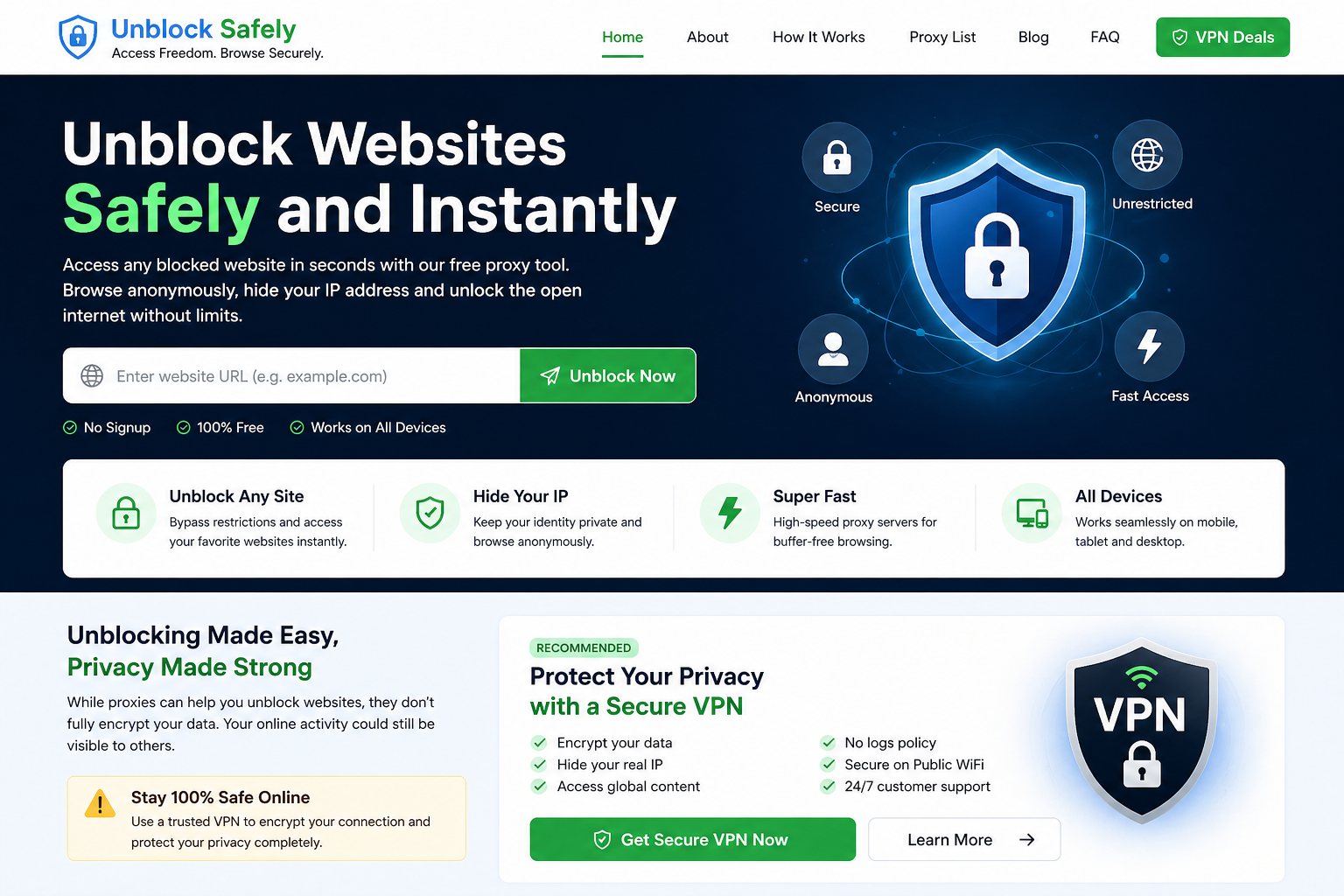
Internet restrictions have become increasingly common in today’s digital environment. Many users face blocked websites at school, workplaces, public networks, or even due to regional restrictions. These limitations can prevent access to important information, social media platforms, streaming services, and other useful resources.
The good news is that there are reliable ways to unblock websites safely and instantly. Whether you want quick access or long-term security, understanding the right tools and methods is essential. This guide explains everything in detail, including how website blocking works, how to bypass restrictions, and how to stay secure while doing so.
⸻
Why Websites Get Blocked
Before learning how to unblock websites, it is important to understand why restrictions exist.
Network Restrictions
Schools, offices, and organizations often block websites to maintain productivity and prevent distractions.
Government Censorship
Some countries restrict access to specific websites based on regulations or policies.
Geo-Restrictions
Streaming services and online platforms limit content based on location.
Security Filters
Public WiFi networks may block certain websites to protect users from threats.
⸻
What Does Unblocking a Website Mean?
Unblocking a website means bypassing restrictions so that you can access content that would otherwise be unavailable. This is usually done by hiding your real IP address or routing your connection through a different server.
⸻
Methods to Unblock Websites Safely
There are several methods available, each with its own advantages and limitations.
⸻
1. Using a Proxy Server
A proxy server acts as an intermediary between your device and the internet. Instead of connecting directly to a website, your request is routed through a proxy server.
Benefits
- Quick and easy access
- No installation required
- Free options available
Limitations
- No full encryption
- Limited privacy
- Some websites may block proxies
Proxies are best for quick access but not ideal for sensitive activities.
⸻
2. Using a VPN (Virtual Private Network)
A VPN is the most secure way to unblock websites. It encrypts your entire internet connection and routes it through a secure server.
Benefits
- Strong encryption
- Full privacy
- Works on all websites
- Protects data on public WiFi
Limitations
- Usually requires a subscription
- Slight reduction in speed
A VPN is the best option for long-term use and secure browsing.
⸻
3. Changing DNS Settings
Sometimes websites are blocked at the DNS level. Changing your DNS server can help bypass these restrictions.
Common DNS Options
- Google DNS (8.8.8.8)
- Cloudflare DNS (1.1.1.1)
Benefits
- Free and simple
- No additional software required
Limitations
- Not effective for all types of blocks
⸻
4. Using Browser Extensions
Browser extensions can provide proxy or VPN functionality directly within your browser.
Benefits
- Easy to install
- Quick activation
Limitations
- Limited features
- Not as secure as full VPN apps
⸻
5. Using Tor Browser
The Tor network routes your traffic through multiple servers, making it difficult to track.
Benefits
- High level of anonymity
- Effective against censorship
Limitations
- Slow performance
- Not suitable for streaming
⸻
6. Accessing Cached Versions
Search engines sometimes store cached versions of websites that you can access even if the original site is blocked.
⸻
Safety Considerations
Unblocking websites is useful, but safety should always be a priority.
Risks to Be Aware Of
- Data interception
- Tracking and logging
- Malware from untrusted services
- Exposure on public networks
⸻
How to Unblock Websites Safely
Follow these best practices:
- Use trusted tools and services
- Prefer HTTPS websites
- Avoid entering personal information on proxies
- Use a VPN for sensitive activities
- Keep your browser and system updated
⸻
Proxy vs VPN for Unblocking
Understanding the difference helps you choose the right tool.
Proxy
- Fast and easy
- No encryption
- Suitable for basic tasks
VPN
- Fully secure
- Encrypts all data
- Suitable for all activities
⸻
When Should You Use a Proxy?
Use a proxy when:
- You need quick access to a blocked website
- You are browsing non-sensitive content
- You want a simple solution
⸻
When Should You Use a VPN?
Use a VPN when:
- You need privacy and security
- You are using public WiFi
- You are accessing personal accounts
- You want reliable and unrestricted access
⸻
Common Mistakes to Avoid
- Using unknown free proxy services
- Ignoring security warnings
- Sharing personal data on unsecured connections
- Assuming all methods provide full protection
⸻
Benefits of Unblocking Websites
- Access information freely
- Improve productivity
- Stay connected on social platforms
- Enjoy global content
- Enhance online flexibility
⸻
Conclusion
Unblocking websites safely and instantly is possible with the right tools and approach. While proxies provide a quick and easy solution, they lack strong security features. VPNs, on the other hand, offer a complete solution by combining privacy, encryption, and unrestricted access.
If your goal is simple access, a proxy may be enough. However, for long-term safety and protection, using a VPN is the better and more reliable choice.
⸻
Frequently Asked Questions
Can I unblock websites for free?
Yes, proxy tools and DNS changes allow free access, but they may have limitations.
What is the safest way to unblock websites?
Using a VPN is the safest method because it encrypts your data.
Do I need technical knowledge?
No, most tools are user-friendly and require minimal setup.
Can all websites be unblocked?
Most websites can be accessed, but some advanced systems may block certain methods.
Is it legal to unblock websites?
It depends on local laws and regulations.