Introduction: The Reality of the Modern Internet
The internet has transformed how we live, work, communicate, and learn. From accessing information instantly to connecting with people across the globe, it has become an essential part of everyday life. However, with this convenience comes a hidden cost—your privacy, security, and freedom online are constantly under threat.
Every website you visit, every search you make, and every link you click can be tracked, analyzed, and sometimes even exploited. Companies collect user data for advertising, governments may monitor activity, and cybercriminals look for vulnerabilities to exploit. In this environment, safe browsing is no longer optional—it is essential.
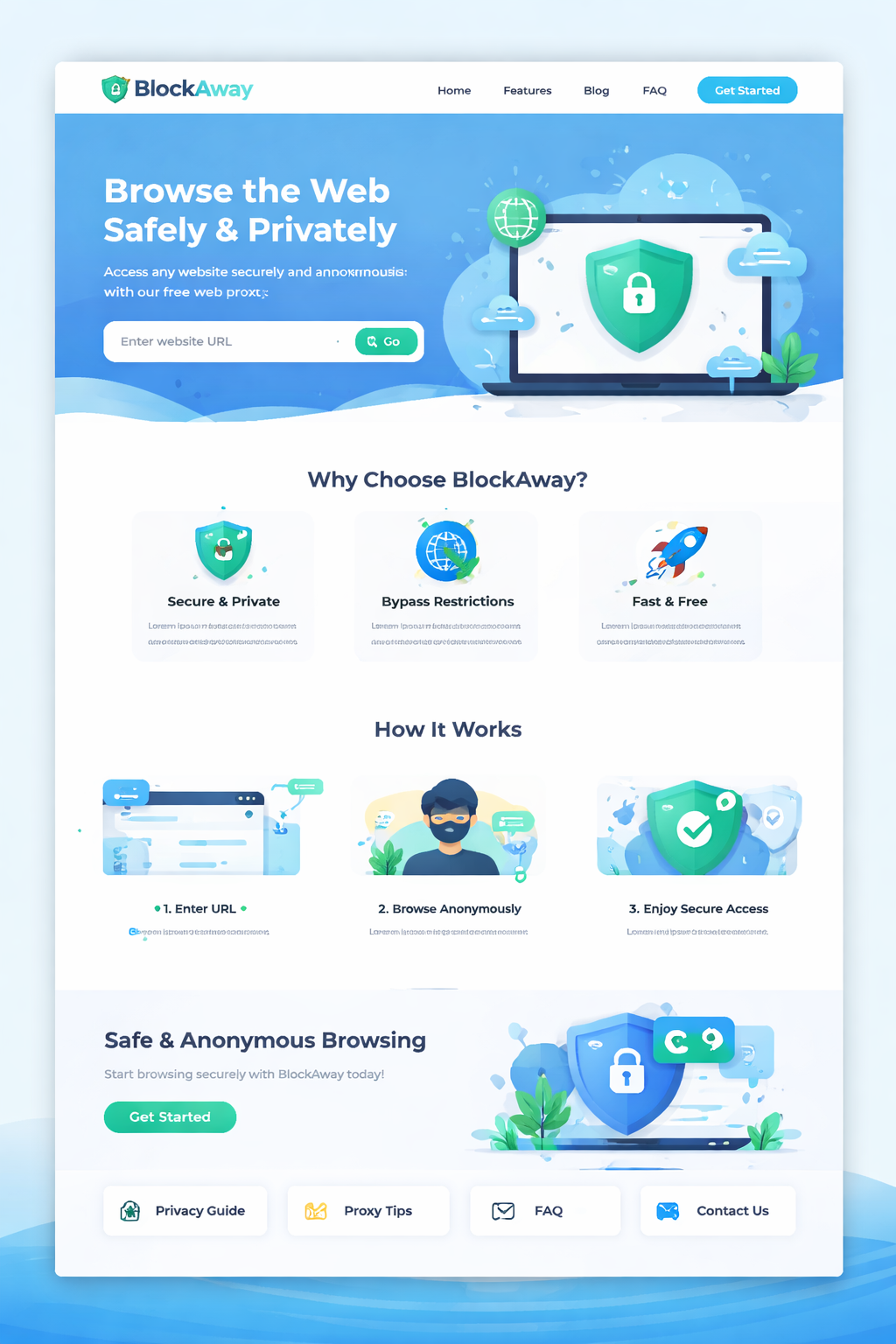
This is where tools like BlockAway come into play. By providing a secure proxy environment, BlockAway allows users to browse the web privately, safely, and without restrictions. But using a proxy alone is not enough. To truly protect yourself, you need to understand the principles of safe browsing and apply them consistently.
This guide will walk you through everything you need to know—from the basics of online privacy to advanced strategies that help you stay secure in an increasingly complex digital world.
What is Safe Browsing?
Safe browsing refers to the practice of using the internet in a way that minimizes risks such as data theft, tracking, malware infections, and privacy violations. It involves a combination of tools, habits, and awareness.
Safe browsing is not just about avoiding dangerous websites—it is about maintaining control over your digital identity. It includes:
Protecting personal data from unauthorized access
Avoiding malicious websites and downloads
Preventing tracking by advertisers and third parties
Using secure connections and trusted tools
When you combine these practices with a reliable proxy like BlockAway, you significantly reduce your exposure to online threats.
Why Safe Browsing is More Important Than Ever
1. Increasing Data Tracking
Modern websites are designed to collect data. From cookies to advanced tracking scripts, your online behavior is constantly monitored. This data is used for targeted advertising, profiling, and sometimes even sold to third parties.
2. Cybersecurity Threats
Hackers are becoming more sophisticated. Phishing attacks, malware, ransomware, and identity theft are common risks faced by internet users today.
3. Loss of Privacy
Without proper protection, your IP address, location, and browsing history can be easily exposed. This can lead to unwanted surveillance or misuse of personal information.
4. Content Restrictions
Many websites are blocked based on location, workplace policies, or government regulations. This limits access to information and restricts freedom online.
Safe browsing helps you tackle all these challenges effectively.
How BlockAway Enhances Safe Browsing
BlockAway is designed to make safe browsing simple and accessible for everyone. It acts as a bridge between your device and the internet, ensuring that your identity remains protected.
Key Benefits of Using BlockAway:
IP Masking: Your real IP address is hidden
Secure Access: Helps reduce exposure to malicious tracking
Bypass Restrictions: Access blocked or restricted websites
User-Friendly: No installation required
By starting your browsing session through BlockAway, you immediately add a layer of protection to your online activity.
Core Principles of Safe Browsing
To browse safely, you need to follow a few core principles consistently.
1. Awareness
Always be aware of the websites you visit and the links you click. Suspicious websites often look legitimate but contain hidden threats.
2. Verification
Before entering personal information, verify that the website is secure and trustworthy.
3. Protection
Use tools like proxies, secure browsers, and antivirus software to protect your data.
4. Control
Manage your privacy settings, cookies, and permissions to maintain control over your digital footprint.
Top Safe Browsing Practices
1. Always Use HTTPS Websites
HTTPS ensures that your connection to a website is encrypted. This prevents hackers from intercepting your data.
2. Avoid Suspicious Links
Never click on unknown or suspicious links, especially from emails or messages. These could lead to phishing websites.
3. Use Strong Passwords
Create strong, unique passwords for each account. Avoid using the same password across multiple platforms.
4. Clear Cookies Regularly
Cookies can track your activity even when your IP is hidden. Clearing them regularly helps maintain privacy.
5. Keep Your Browser Updated
Updates often include security patches that protect against new threats.
6. Use a Trusted Proxy
Using a reliable proxy like BlockAway ensures that your browsing remains private and secure.
Common Online Threats You Should Know
1. Phishing Attacks
Phishing websites trick users into entering sensitive information like passwords and credit card details.
2. Malware
Malicious software can infect your device through downloads or unsafe websites.
3. Spyware
Spyware secretly monitors your activity and collects data without your knowledge.
4. Data Breaches
When websites are hacked, your personal information can be exposed.
Understanding these threats is the first step toward avoiding them.
Advanced Safe Browsing Techniques
Once you understand the basics, you can take your security to the next level.
1. Use Privacy-Focused Browsers
Browsers that prioritize privacy can block trackers and reduce data collection.
2. Disable Unnecessary Extensions
Browser extensions can access your data. Only use trusted and necessary ones.
3. Use Incognito Mode Wisely
Incognito mode prevents local tracking but does not hide your IP. Combine it with BlockAway for better privacy.
4. Avoid Public Wi-Fi Risks
Public networks are often unsecured. Always use a proxy when browsing on public Wi-Fi.
Mistakes to Avoid While Browsing
Even experienced users make mistakes that compromise their security.
Using unknown proxy services
Ignoring security warnings
Downloading files from untrusted sources
Not logging out from accounts
Reusing passwords
Avoiding these mistakes can significantly improve your online safety.
Safe Browsing for Different Users
Students
Students often access the internet from school networks. Using BlockAway helps bypass restrictions safely.
Professionals
Professionals need to protect sensitive data. Safe browsing ensures confidentiality and security.
General Users
For everyday users, safe browsing provides peace of mind and protection from common threats.
The Role of Proxies in Internet Freedom
Proxies play a crucial role in ensuring freedom online. They allow users to access information without restrictions and maintain anonymity.
BlockAway empowers users by providing a simple and effective way to bypass censorship while staying secure.
Building Safe Browsing Habits
Safe browsing is not a one-time action—it is a habit. By consistently applying best practices, you can create a secure online environment.
Think before you click
Verify before you trust
Protect before you browse
Future of Safe Browsing
As technology evolves, so do online threats. Artificial intelligence, advanced tracking systems, and sophisticated cyber attacks will shape the future of the internet.
This makes safe browsing tools like BlockAway even more important. Staying informed and adapting to new challenges will be key to maintaining privacy and security.
Conclusion: Take Control of Your Online Experience
The internet is a powerful tool, but it comes with risks. By understanding safe browsing practices and using tools like BlockAway, you can take control of your online experience.
You don’t have to choose between convenience and security—you can have both. With the right knowledge and tools, you can browse freely, safely, and privately.
Safe browsing is not just a skill—it is a necessity in today’s digital world.